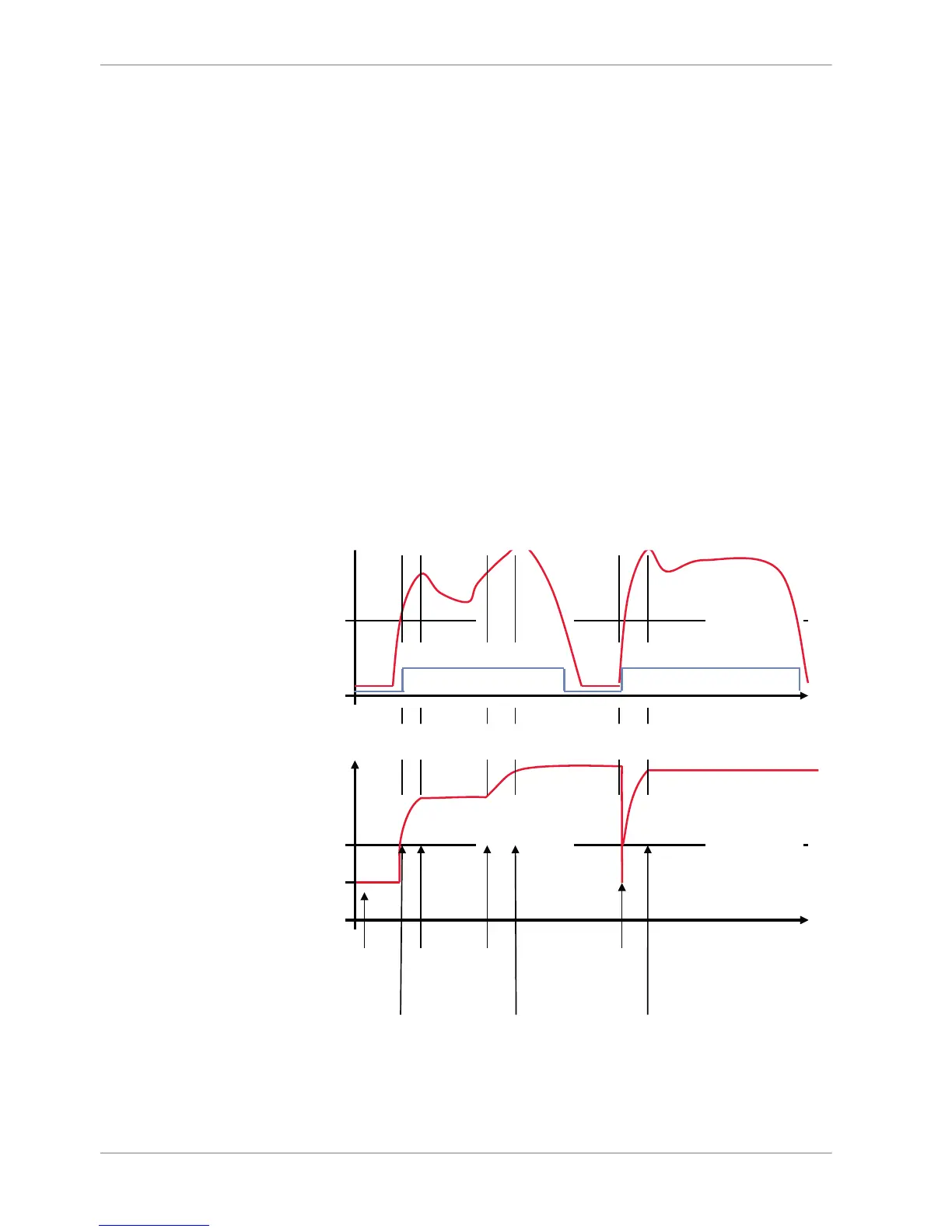
The conditional function works the following way:
The program always calculates the condition entered in the IF window and
checks if the condition is TRUE or FALSE.
If the condition entered in the IF window is TRUE, the program calculates the
condition entered in the THEN window. The returned value is the content of the
new variable (entered in ‘Name’).
If the condition entered in the IF window is FALSE, the program calculates the
condition entered in the OTHERWISE window. The returned value is the content
of the new variable (entered in ‘Name’).
The reset value is always set for the new variable (entered in ‘Name’):
▪ before If‐condition becomes TRUE for the first time after power‐up
▪ when If‐condition changes state from FALSE to TRUE.
An example of a condition to set up the maximum front brake pressure is given
on the next page.
The conditional function is displayed in the math channel window.
Example: Setting up a condition for maximum front brake pressure














 To Next Page