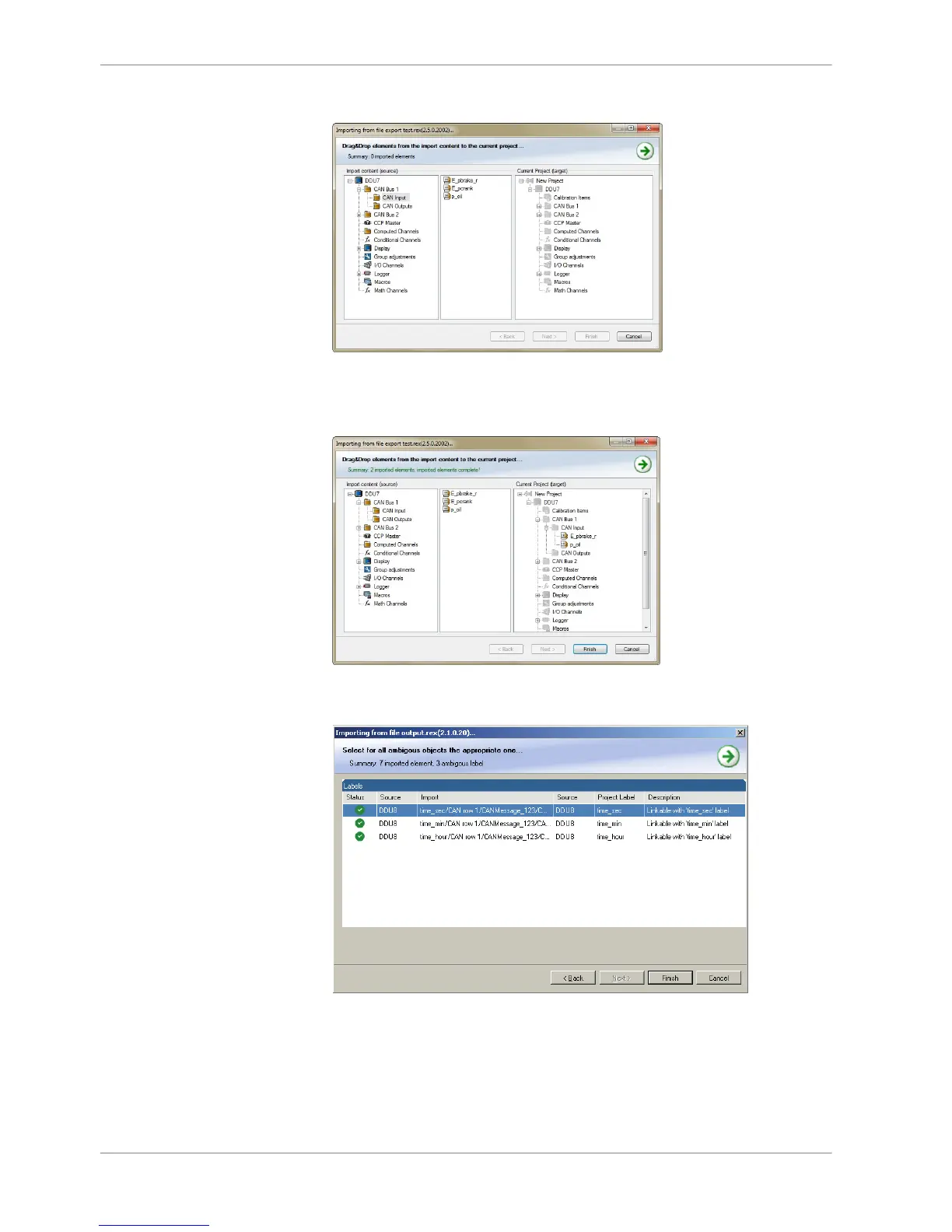
3. Select the input file and click ‘OK’. An ‘Import Selection’ window opens.
4. Select channels to import.
5. Drag and drop the channel to ‘CAN Input’ of desired CAN bus on right hand
side.
6. Click ‘Finish’. If a measurement channel belongs to more than one source
(e.g. and MS 5.1), the ‘Solve Label Ambiguity’ window opens.














 To Next Page