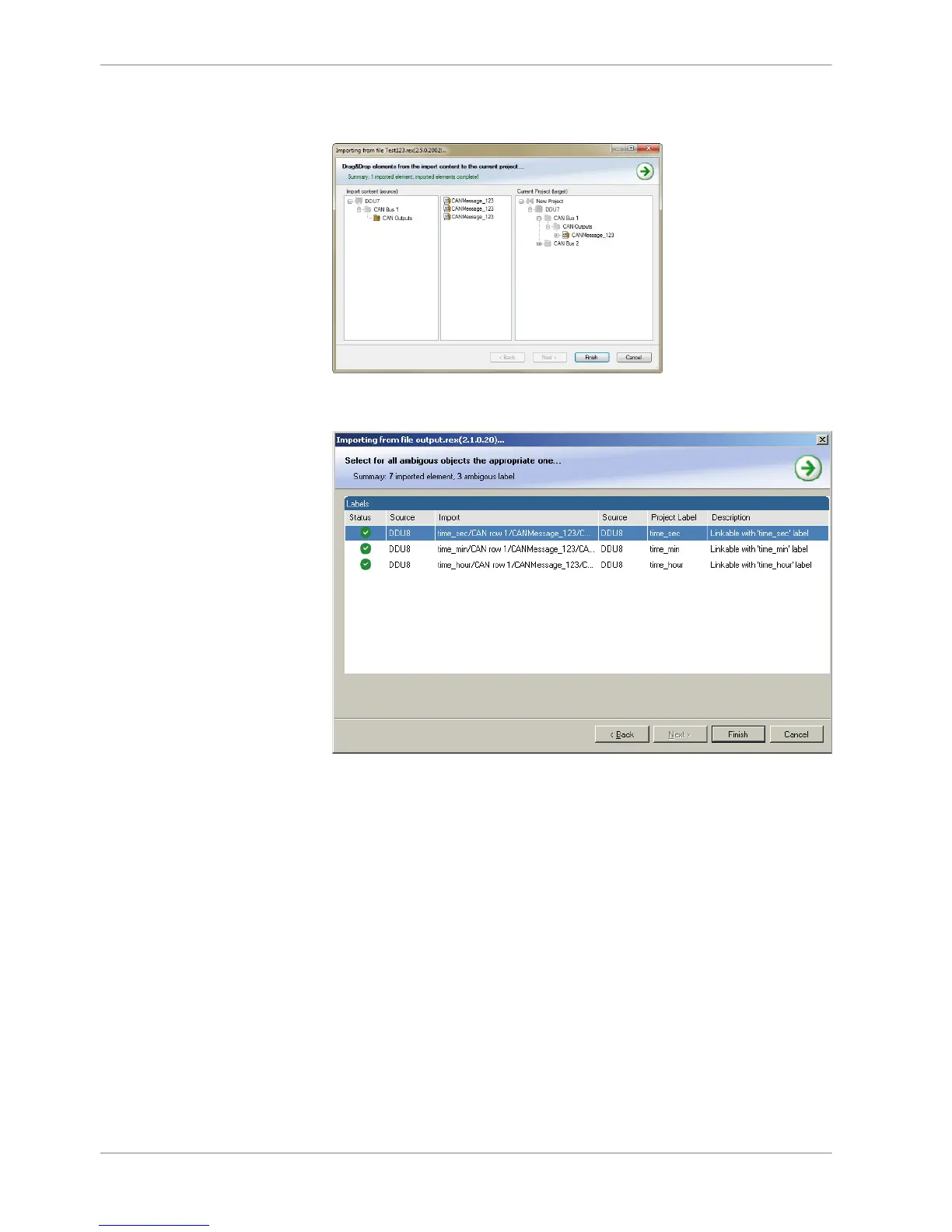
5. Drag and drop the channel to ‘CAN Outputs’ of desired CAN bus on right
hand side.
6. Click ‘Finish’. If a measurement channel belongs to more than one source
(e.g. and MS 5.1), the ‘Solve Label Ambiguity’ window opens.
7. Assign the ambiguous channels to the desired source.
8. Click ‘Finish’.
9 | CAN Bus
78 / 136 DDU S2 PLUS Manual Bosch Motorsport














 To Next Page