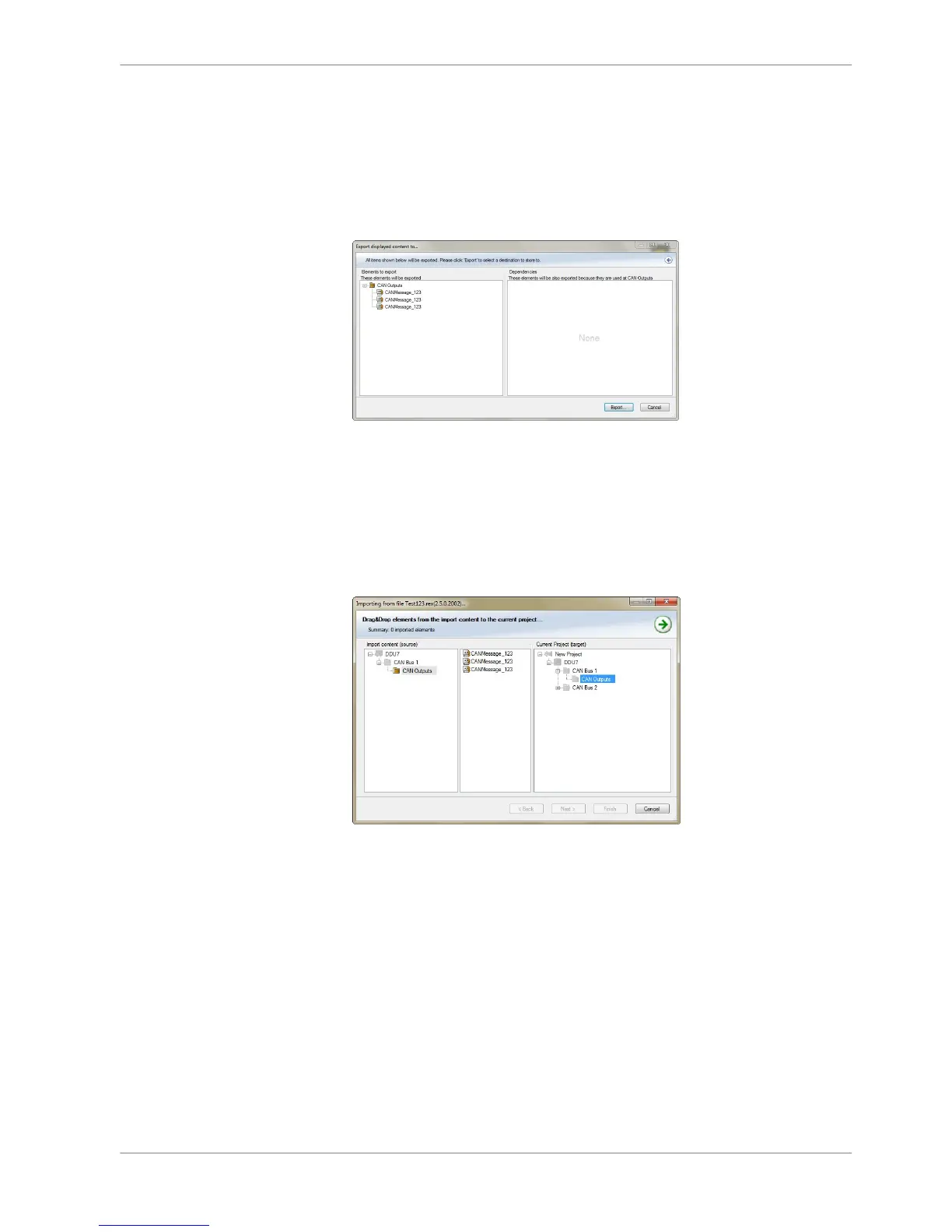
Export RaceCon CAN configuration
1. Right‐click on ‘CAN Output’ of desired bus (CAN1, CAN2 or CAN3).
2. Select ‘Export…’ from menu. The ‘Export Selection’ window opens.
3. Specify the filename.
4. Click ‘OK’ when done.
Import RaceCon CAN configuration
1. Right‐click on ‘CAN Outputs’ of desired bus (CAN1, CAN2 or CAN3).
2. Select ‘Import…’ from menu. A file browser opens.
3. Select the input file and click ‘OK’. An ‘Import Selection’ window opens.
4. Select channels to import.
9.3.4
9.3.5
CAN Bus | 9
Bosch Motorsport DDU S2 PLUS Manual 77 / 136














 To Next Page