MY22B01 - 12_1.0_26.08.2021
40
Description
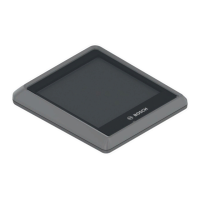
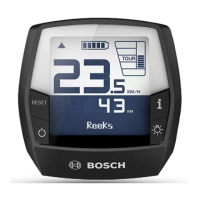
3.3.10 On-board computer
The pedelec has a BOSCH Intuvia on-board
computer.
The on-board computer controls the drive system
and displays the journey data.
The rider can switch off the electric drive system
by removing the on-board computer.
The battery powers the on-board computer if the
on-board computer is inserted in its mount, a
sufficiently charged battery is inserted into the
pedelec and the electric drive system is switched
on. If the rider removes the display from its mount,
the display is powered by a on-board computer
battery. The on-board computer battery cannot be
replaced.
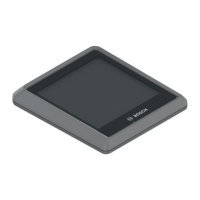
Figure 35: BOSCH Intuvia on-board computer
3.3.10.1 USB port
There is a USB port beneath the rubber cover on
the right-hand edge of the on-board computer.
3.3.11 Control panel
The control panel controls the electric drive
system.
Figure 36: Overview of control panel
TURBO
SPORT
TOUR
ECO
OFF
MPH
KM/H
Reichweite
AMM
PMWH
MIN
MPH
KM
/H
RESET


 To Next Page
 Loading...