Service Manual 04/2010 Rev.B
70
Remove the wires.
Take the new switch and fix the wires.
Fix the red button by pressing and turning it
clockwise for a quarter of a turn.
Tighten the metal ring.
Tighten the screws #1 (Fig.107).
Switch the machine on and verify if it works
fine.
Fix the yellow assy to the portable control.
IMPORTANT: WHEN FIXING THE SWITCH
ASSY TO THE PORTABLE CONTROL, BE
CAREFUL NOT TO CRUSH WIRES.
5.21 ROBOTIC SAFETY SWITCH
CABLE: CHECK AND REPLACEMENT
: 1h
: Small standard and cross screwdrivers,
3mm allen wrench, 6mm end wrench, pliers,
multimeter.
L : Defective cable may cause the following
malfunction:
1. All hydraulic movements, except tool holder
lifting and lowering, do not work.
TO CHECK THE CABLE:
Disconnect the machine from power supply.
Open the electric box (5.0).
Disconnect the wires from terminal block 20
and 21 (Fig.110).
Fig.110
Remove the robotic safety switch cover
(Fig.111).
Take a multimeter and select it in Ohm.
Verify if there is continuity between two ends
of the same wire.
If one or both wires do not show continuity,
the cable must be replaced.
Fig.111
TO REPLACE THE CABLE:
Lose cable strein relief (Fig.112).
Fig.112
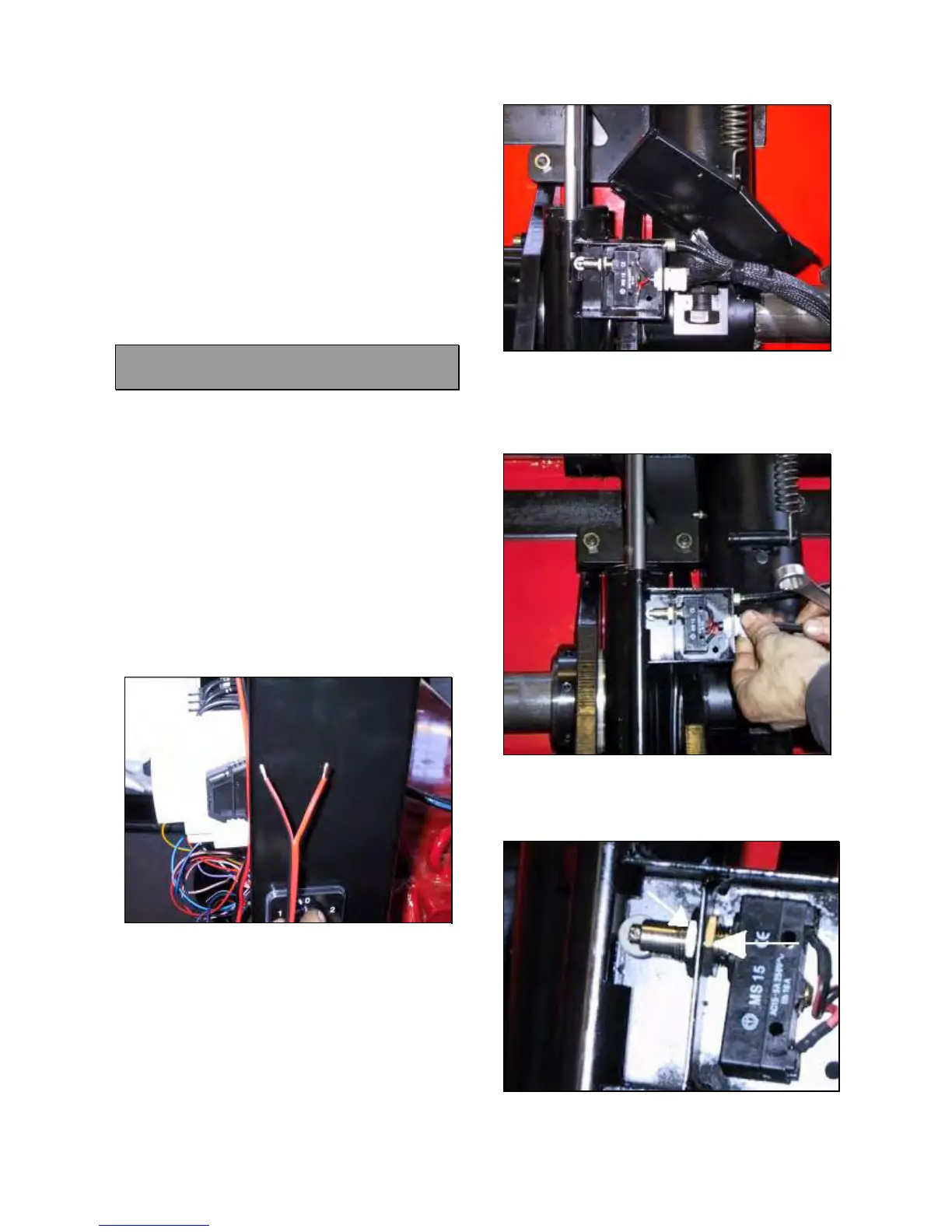
Lose the nut shown in Fig.113 and remove
the switch from its support.
Fig.113



 To Next Page