2-6 BBP
®
85 Label Printer
User’s Manual
Unpacking and Setting up Printer
Setting up the Printer
Note: To replace wiper pad, see “Replacing the Media Wiper” on page 8-9.
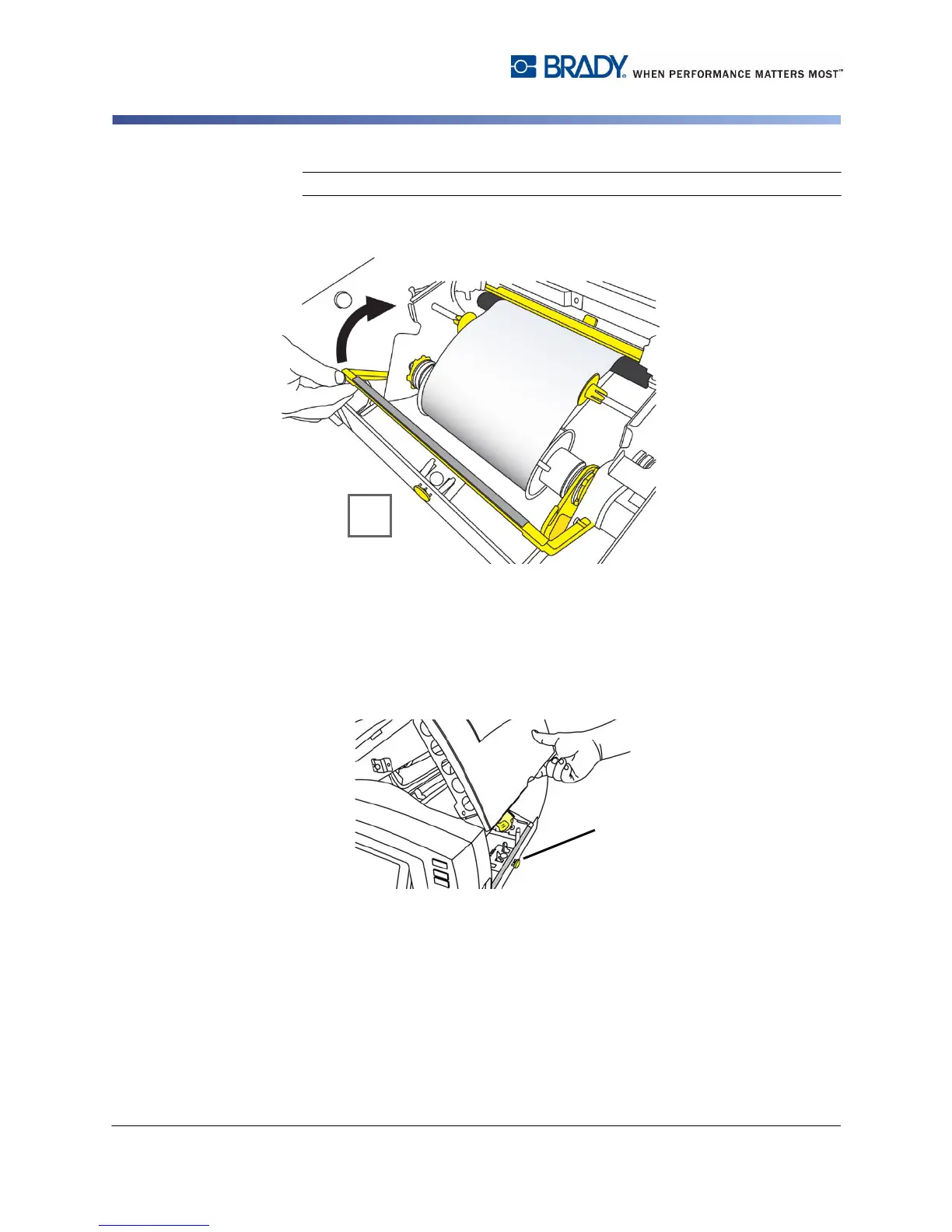
8. Swing media wiper up until it rests on media [8] (do not swing up for die-cut
media) .
9. Close printer cover by pressing down until it clicks into place.
Remove Media
This procedure assumes you are facing the media and ribbon rolls.
1. Open cover by pressing yellow button [1] on right side of printer, then lifting
cover up.



 To Next Page