English
28
3. Printing on Selected Media
D. Printing with a Heat-shrink Cartridge
1. Select “Heat-shrink Cartridge” on the printer.
a. On the printer, press the [Media] quick key and then
press [OK].
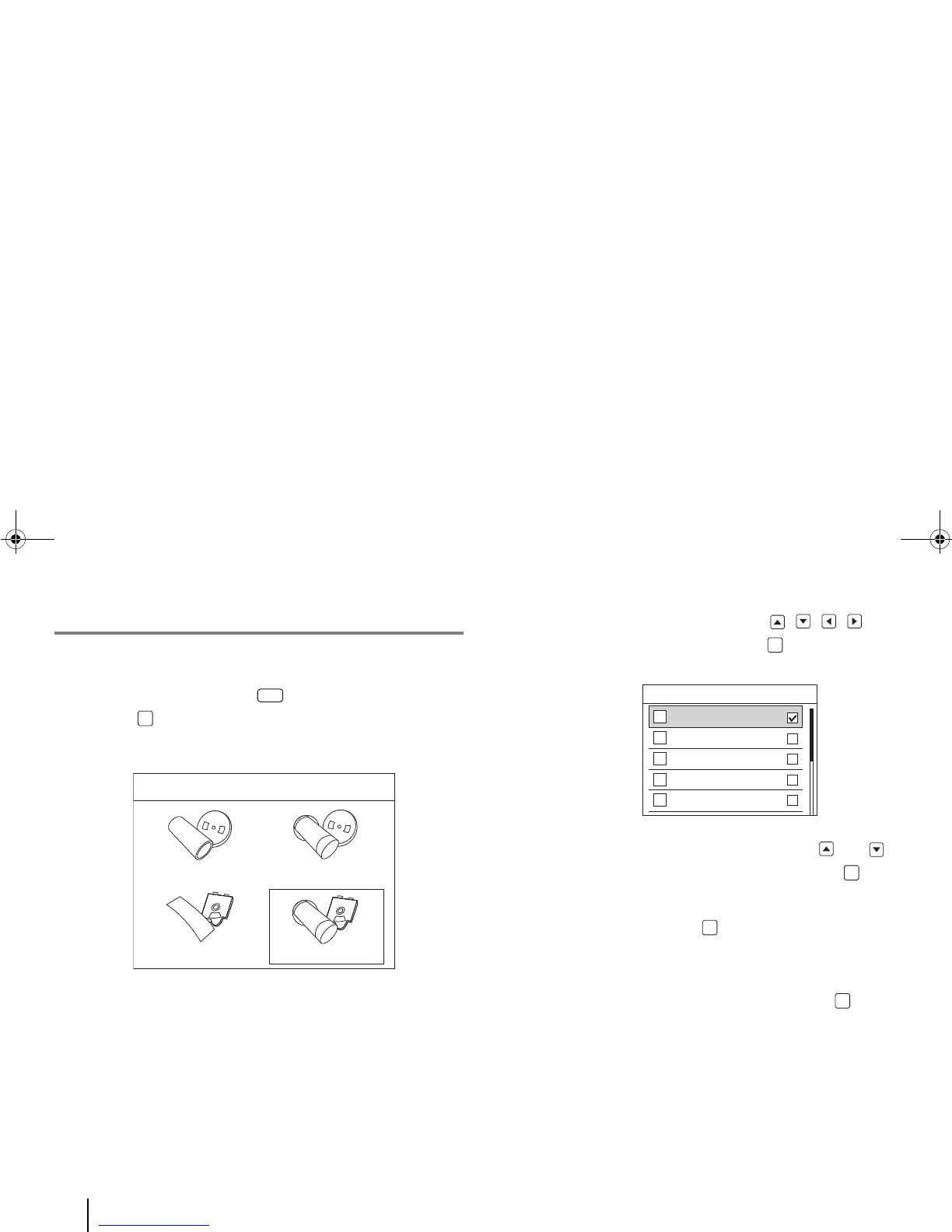
Four media types appear on the LCD screen.
b. Using the printer’s navigation keys , , , , select
“Heat-shrink Cartridge” and press [OK].
A list of heat-shrink tube diameters appears on the screen.
c. Using the printer’s vertical navigation keys and ,
select your tube width on the screen and press [OK].
d. In the Application screen, select an application (“General”
or “Vertical”) and press [OK]. For detailed instructions
and more options, see the “F. To Change the Medium and
Its Application” section in this chapter.
e. Select “Auto-sized” or “Fixed-size”, and press [OK].
The screen returns to the main tag editor.
2. Enter and print the text/symbols.
a. Enter and edit the text/symbols. (For detailed instructions,
refer to “4. Entering & Editing Text/Symbols.”)
Media
OK



 To Next Page