35
3. Printing on Selected Media
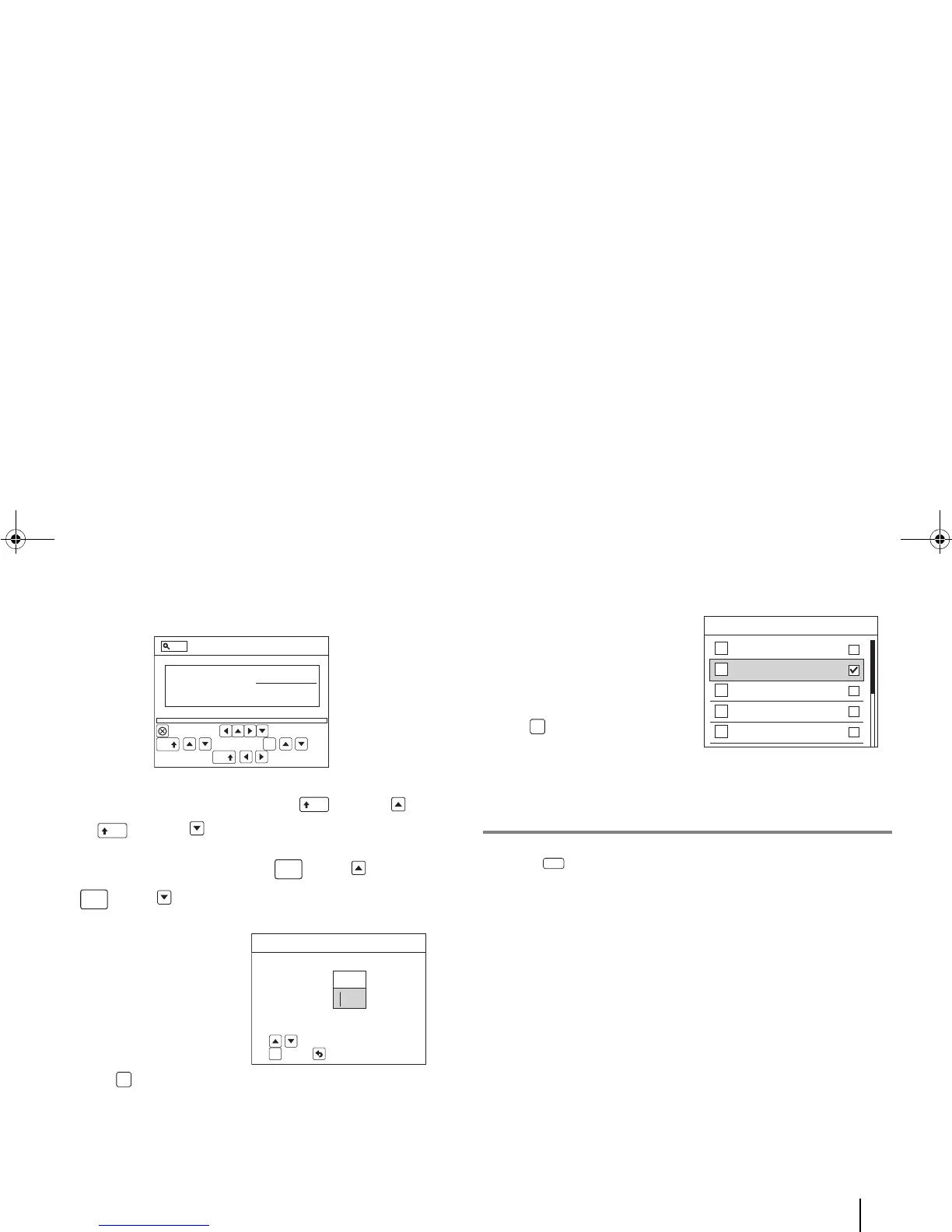
If “All Tags” is entered, the Preview screen will also appear.
a. To view the tags one by one, press [Shift] + [Up]
or [Shift] + [Down].
b. To view the first/last tag, press [Fn] + [Up] or
[Fn] + [Down] .
If “Specific Tags” is
entered, the “Please
specify range” screen will
appear.
a. Type the relevant
numbers in the From
and To text boxes and
press [OK].
The Tag Editor
appears.
If “Zoom” is entered, the
“Please select Zoom Level”
screen will appear.
a. Select the desired
zoom level and press
[OK].
The Tag Editor
appears.
H. Canceling Printing
1. Press [Cancel Print].
A warning message appears, asking for confirmation that you
really want to cancel the printing.
2. Choose OK on the warning message to resume printing or
Cancel to stop printing.



 To Next Page