English
50
5. Advanced Functions
To print multiple copies of the current tag via Continuous Print
(Contiprint):
1 Enter [Menu] > Quick Keys > Tag> Properties >
Continuous Print.
2 In the Number of Copies box, enter your preferred number
and press [OK].
3 Press [Close] and then [PRINT].
The printer prepares to print the current tags multiple times.
Shortcut: Press the [Fn] + [Language] quick keys.
To print multiple copies of a range of tags via Continuous Print
(Contiprint):
1 Enter [Fn] + [Language] > “Range”.
2 Type the “from” and “to” numbers and press [OK].
3 In the Number of Copies box, enter your preferred number
and press [OK].
4 Press [Close] and then [PRINT].
The printer prepares to print the selected tags multiple times.
To print multiple copies of all the tags via Continuous Print
(Contiprint):
1 Enter [Fn] + [Language] > “All Tags”.
2 In the Number of Copies box, enter your preferred number
and press [OK].
3 Press [Close] and then [PRINT].
The printer prepares to print all tags multiple times.
D. Print Job Settings
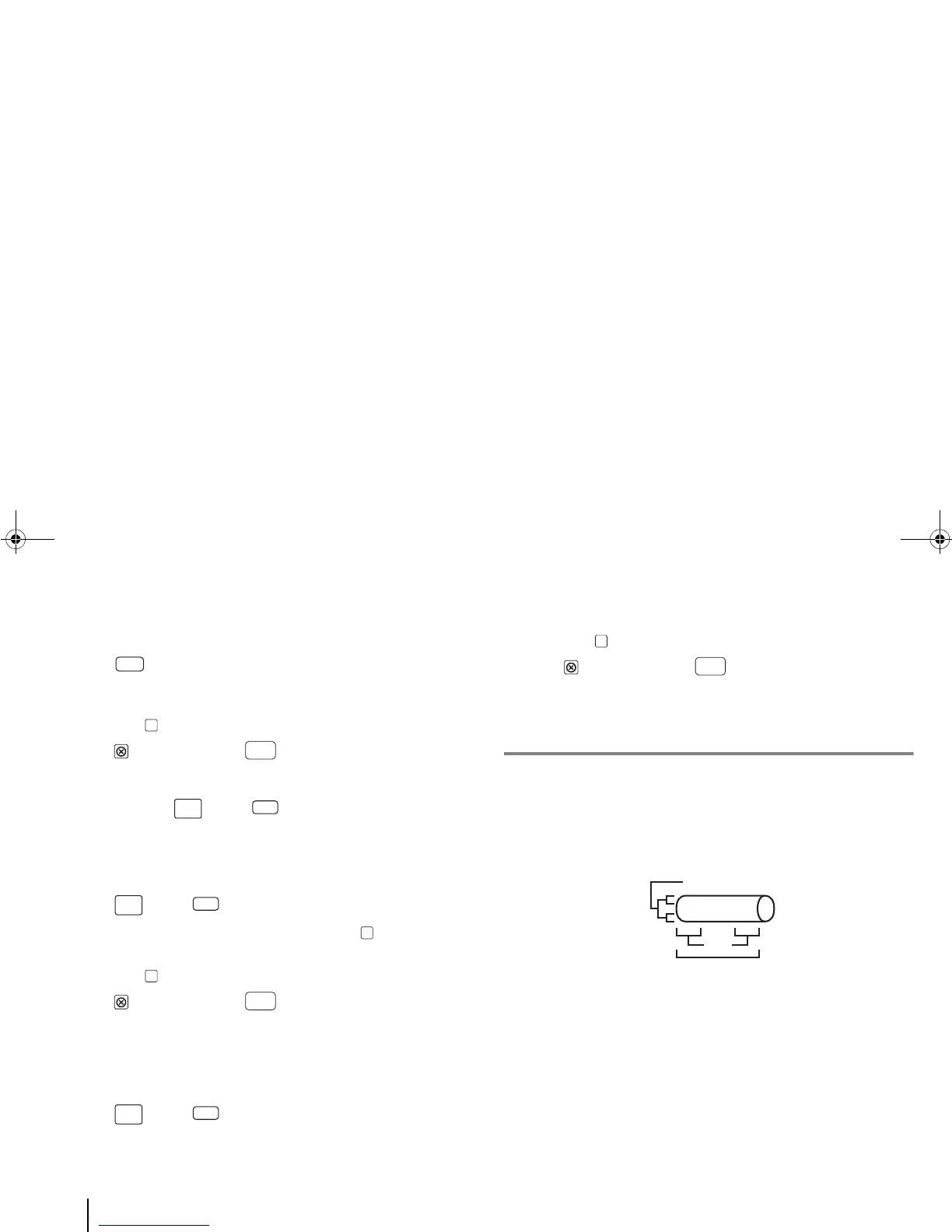
In normal printing, the printout should be in the nominal position
on the tube/label medium. In other words, the printed text (in one
or two lines) should be neatly centered on each segment with a
clear lead (the space on the left of the text) and equidistant
vertical spacings (the spaces above and below the text).



 To Next Page