English
32
3. Printing on Selected Media
F. Changing the Media Type and Its Application
To change the Application only, press [Fn] +
[Media].
1. Press the [Media] quick key.
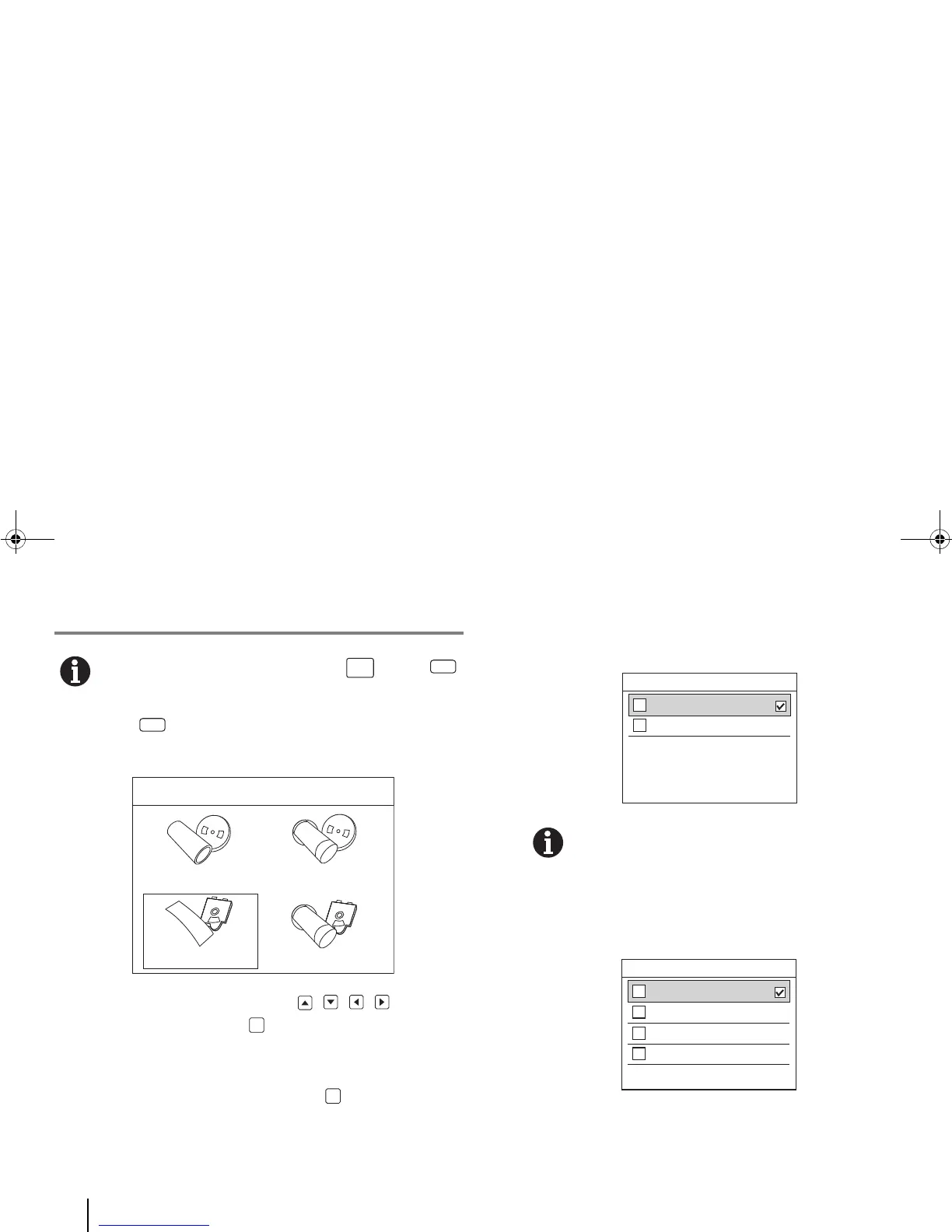
Four media types appear on the LCD screen.
2. Using the printer’s navigation keys , , , , select a
new media type and press [OK].
A list of tube/label widths appears on the LCD screen.
3. Select your tube/label width and press [OK].
If “Tube” (or “Heat-shrink Roll” or “Heat-shrink Cartridge”)
was entered, only two application types — “General”,
“Vertical” — appear on the medium’s Application screen.
When a medium has a “General” application, the
orientation of the text printed on the medium is
horizontal.
If “Label” was entered, four application types — “General”
(horizontal), “Vertical”, “Patch Panel” (horizontal), “Terminal
Block” — appear on the medium’s Application screen.
Please Select Label Application
1
2
3
4
General
Vertical
Patch Panel
Terminal Block
BMP91UG.book Page 32 Friday, October 14, 2011 7:56 PM



 To Next Page