15
1. Before You Begin
The BMP
®
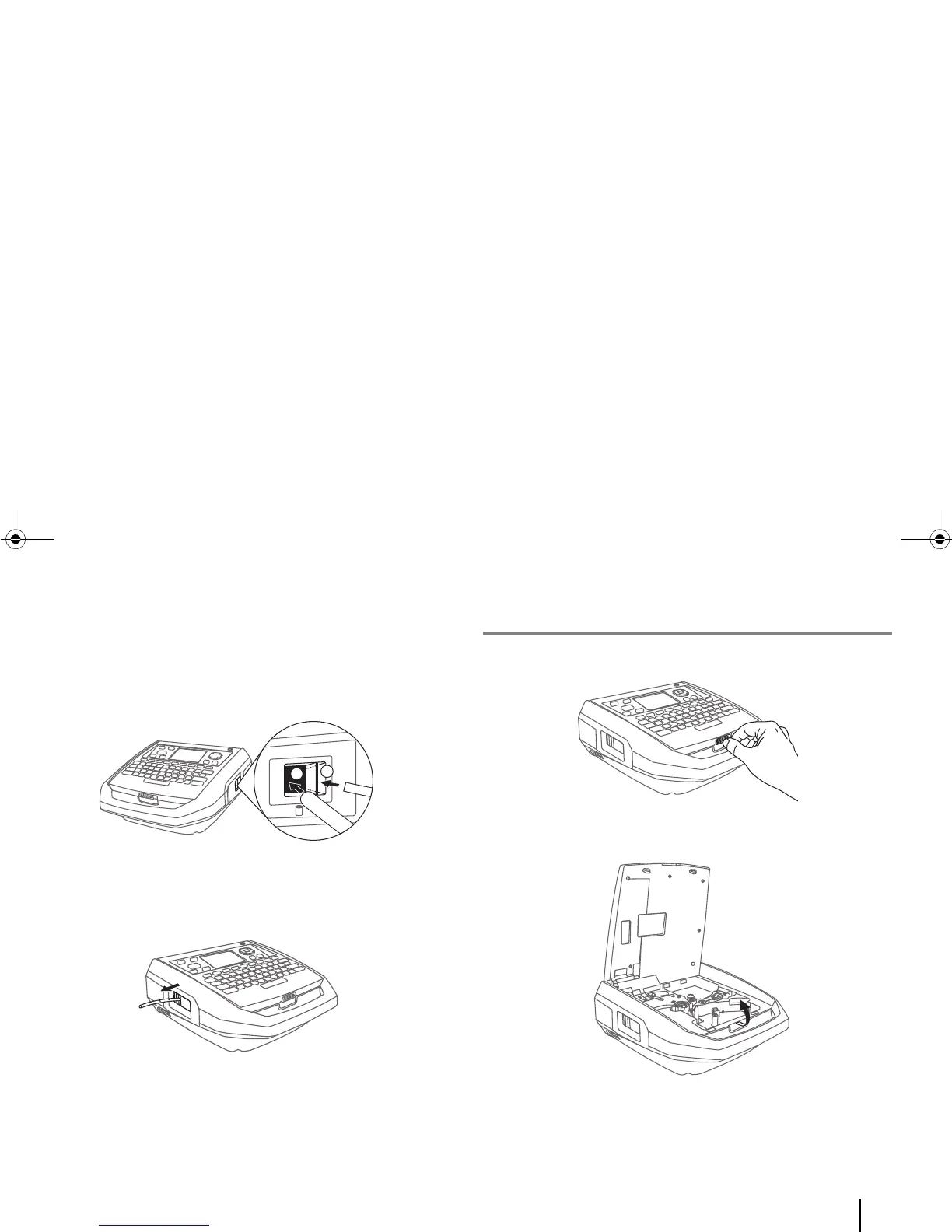
91 printer has two media inlets for you to feed a tube
into the printer from the outside (i.e. externally):
a. a large rectangular hole for tubes
b. a long, narrow slot for flat heat-shrink tubes
The printer also has a media outlet for the printed tube/label to
get out of the device.
H. Internal components of the printer
1.
Below the printer handle, locate and pull the cover latch.
2. Open the printer cover from the top.



 To Next Page