57
5. Advanced Functions
Your BMP® 91 comes with TubingMark software to let you create
print jobs on a PC.
1 Insert the CD-ROM into your
computer’s CD drive.
The installation wizard starts
automatically.
2 Select your language and
click Install.
3 Follow the wizard to
complete the installation.
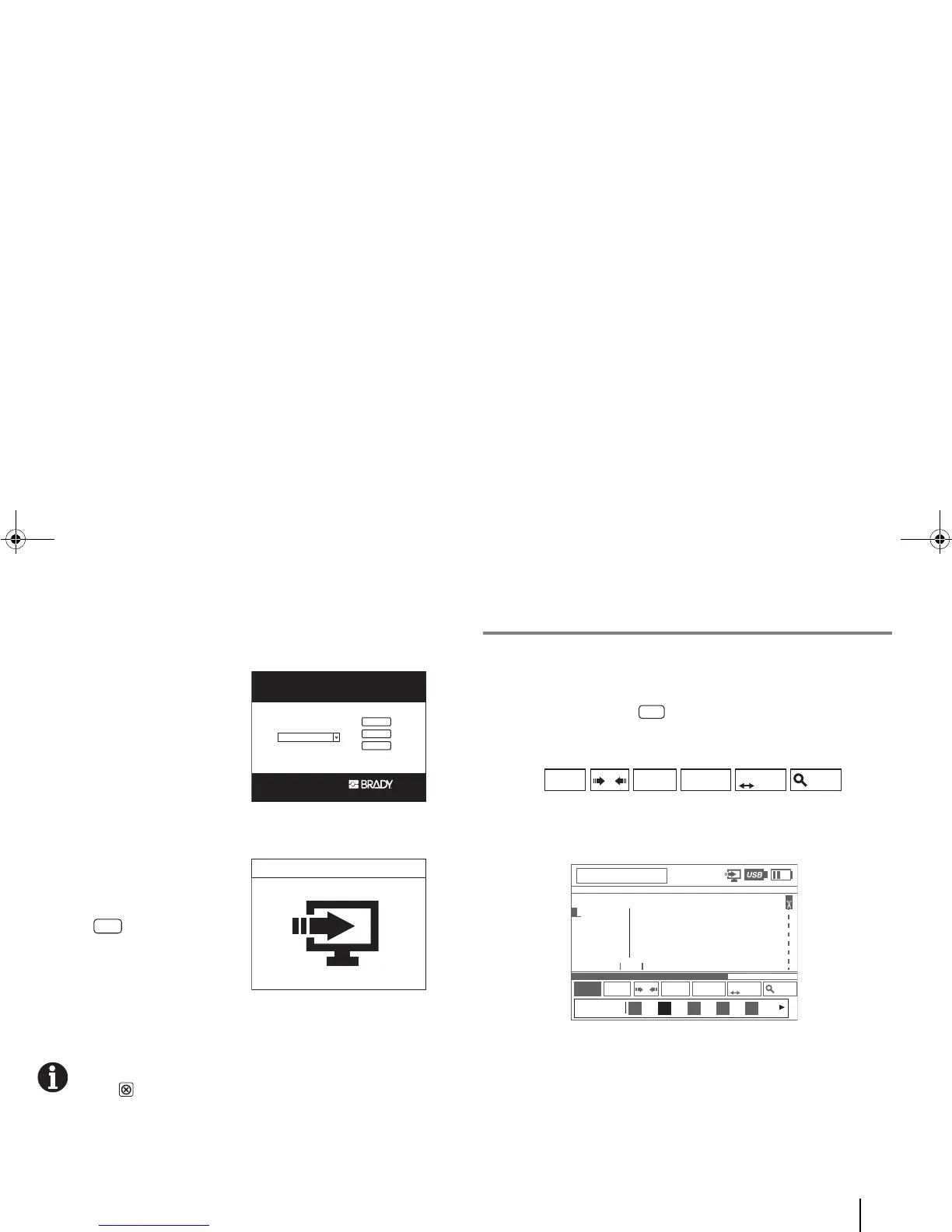
4 Connect your printer and PC
via a USB cable (for detailed
instructions, see the previous
page).
5 Enter [Menu] > System
> “PC Connection”.
The printer goes into PC
Connection mode.
6 You can now use TubingMark to create print jobs and send
them to the printer.
To exit from the PC connection mode to the Tag editor,
press [Close].
L. Other Userful Functions
To enter a Chinese word (e.g.“标签”which means “label”):
1. Ensure that the input mode is “Chinese”.
If it is not, press the [Language] quick key and toggle
(keep pressing) until you see “中文” in the Tag Property bar at
the bottom of the LCD screen.
2 Type “biao” and press the “2” key to select “2. 标 ”.



 To Next Page