English
58
5. Advanced Functions
3 Type “qian”, press the right arrow key and then press the “1”
key to select “1. 签 ”.
To enter English text, with half-width or full-width character
spacing, press the [Language] quick key to toggle to
“ 中 half-moon” or “ 中 full-moon” respectively.
To check the system information:
1 Enter [Menu] >
System > “System
Information”.
The System Information
screen appears, giving
details on the
manufacturer, printer
model, firmware
version, available
storage, and so on.
1 Enter [Menu] > Insert Date/Time >
“Insert Date/Time”.
The Date & Time icon appears where the
cursor was.
The date/time refers to the start of the print job.
Time”.
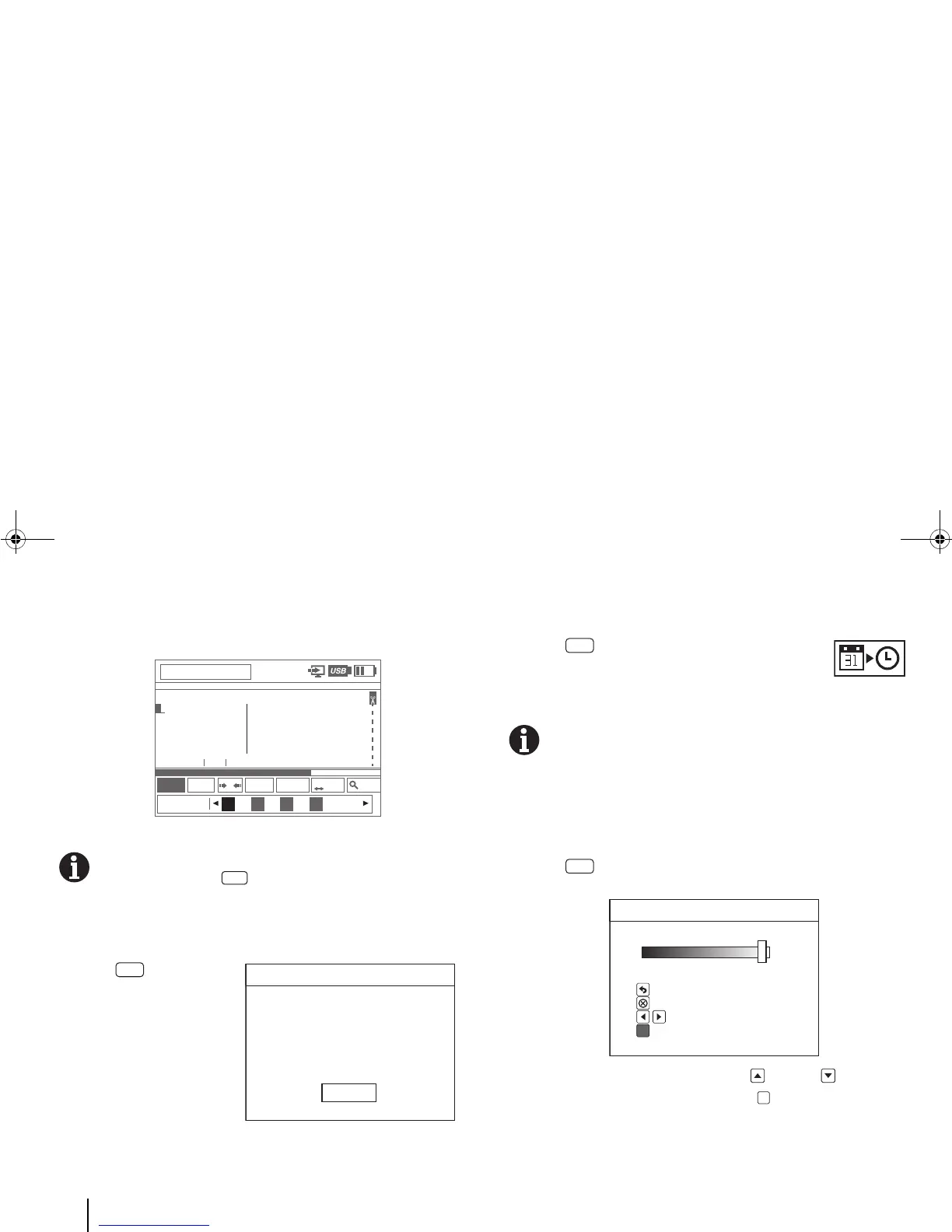
To change the display brightness:
1 Enter [Menu] > Settings > LCD Brightness.
The LCD Brightness screen appears.
2 Use the horizontal navigation keys ( [Up] or [Down]) to
adjust the brightness and then press [OK].
BMP91UG.book Page 58 Friday, October 14, 2011 7:56 PM
To insert a date and time into a tag:
To insert a date only, enter “Insert Date” instead of
“Insert Date/Time”. To insert time only, enter “Insert



 To Next Page