37
4. Entering and Editing Text/Symbols
You can create as many tags as you want. You can also import
and insert your own graphics into a tag. You can format the text
or change the properties of a tag too.
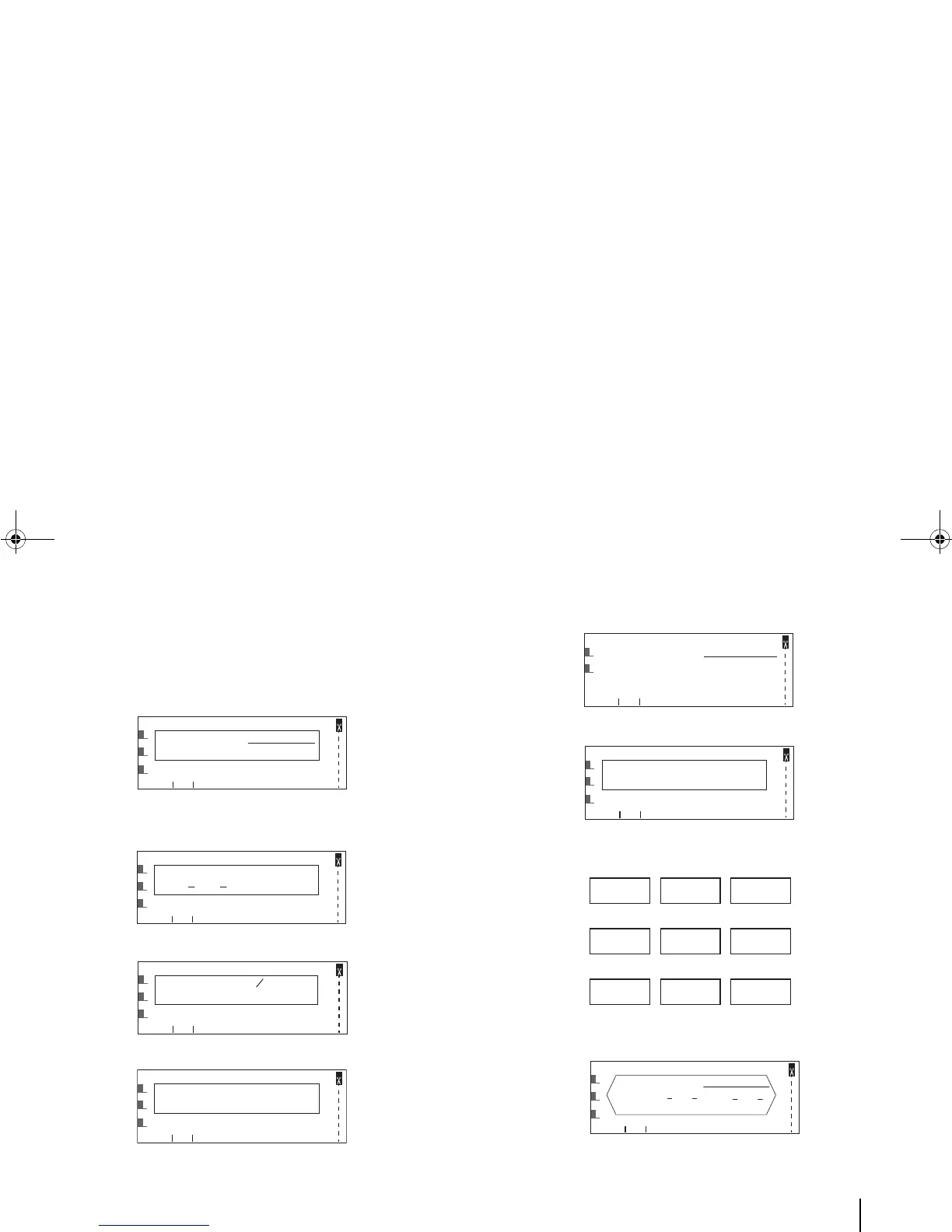
Example 1: Make some part of the text bold, italics or underlined,
superscript, or subscript.
Example 2: Underline the digits “6” and “9” by default for easier
recognition.
Example 3: Increase the scale of the Line 1 text to 150%.
Example 4: Expand the spacing of Line 1 text to “Exp. 2”.
Example 5: Turn a tag (usually single-line) into a multi-line one.
Example 6: Align the text in a tag left, right or center.
Example 7: Orient the text vertically, horizontally or “horizontally
rotated”.
Example 8: Add a frame to the tag.



 To Next Page