61
5. Advanced Functions
When the [Menu] key is pressed, a set of menus (“Level 1
menus”) appears:
1 “Remove USB Drive” option (also accessible via [Fn] + [9])
2 SETTINGS menu
3 FONTS menu
4 BARCODE menu
5 FEED menu
6 INSERT DATE/TIME menu
7 USER GRAPHICS menu
8 SYSTEM menu
9 QUICK KEYS menu
When one of these Level 1 menus is entered (i.e. selected on-
screen and confirmed by pressing the [OK] key on the printer),
another set of menus (“Level 2 menus”) will often appear.
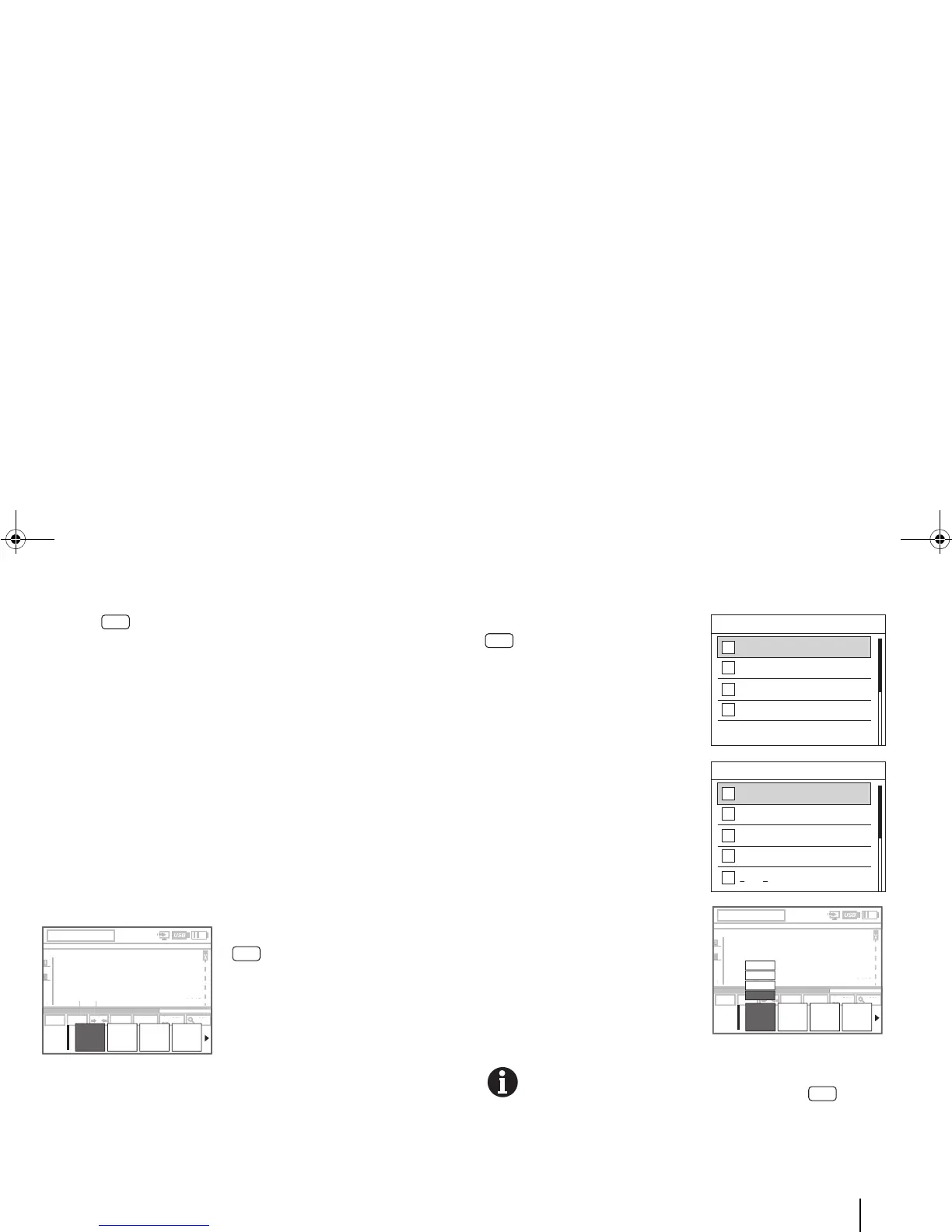
For example: When you press
[Menu] and then select
“Font”, the following set of Level 2
menus (submenus) appears.
In some cases, when you choose a Level 1 menu, only a set of
options (not menus) appear.
For example: When you press
[Menu] and then select
“Feed”, the following set of Level
2 options (not menus) appears.
The lower-level menus or options
in these submenus can also be
navigated vertically (as in a list
menu).
The lower-level menus or options
can be navigated horizontally (as
in a context menu).
For easy reference, all the functions supported by the
BMP
®
91 printer and accessible through the [Menu]
key are listed by the respective Level 1 menus in the next
few pages.



 To Next Page