63
5. Advanced Functions
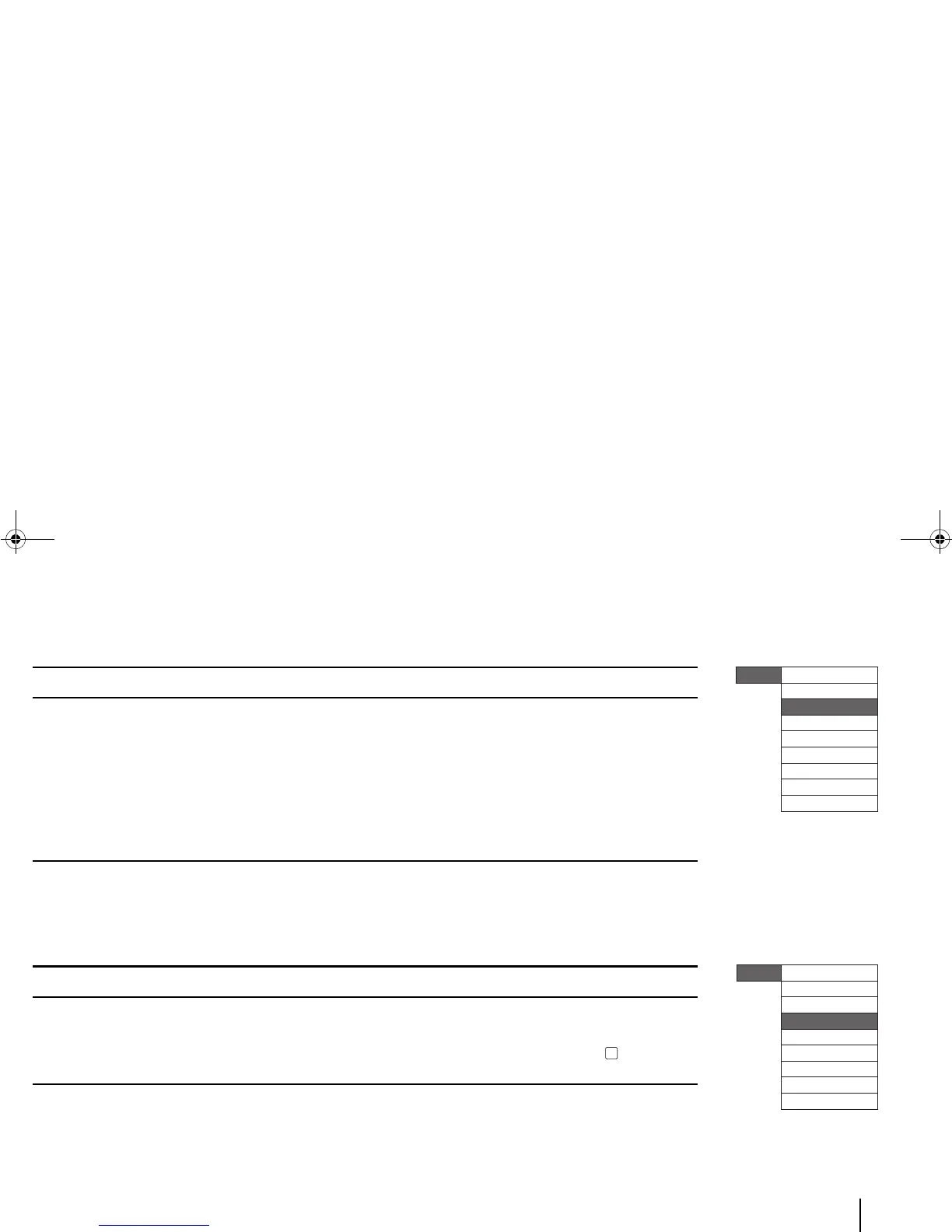
2. Font menu
3. Barcode menu
MENUS (Level 2) MENUS (Level 3) / “Options” “Options”
SIZE “Auto-sized” or Fixed-size (from “4 pts” – “28pts”) –
STYLE BOLD
ITALIC
UNDERLINE
“On”/”Off”
“On”/”Off”
“On”/”Off”
EFFECTS “None”, “Superscript” or “Subscript” –
SCALE “50 %” – “150 %” –
SPACING “Normal”, or “Expanded 1”/”2”/”3”/”4” –
MENUS (Level 2) MENUS (Level 3) / “Options” “Options” / Notes
SET BARCODE TYPE submenu
HR (Human Readable) TEXT
“Code 128” / “Code 39”
“On”/”Off”
BARCODE DATA Text box for entering barcode data
(maximum 30 characters)
To confirm inserting data, press [OK].
Menu
Settings
Font
Barcode
Feed
Insert Date/Time
User Data
System
Quick Keys
Remove USB drive



 To Next Page