B Series Degreaser Operation
Rev G Page 80
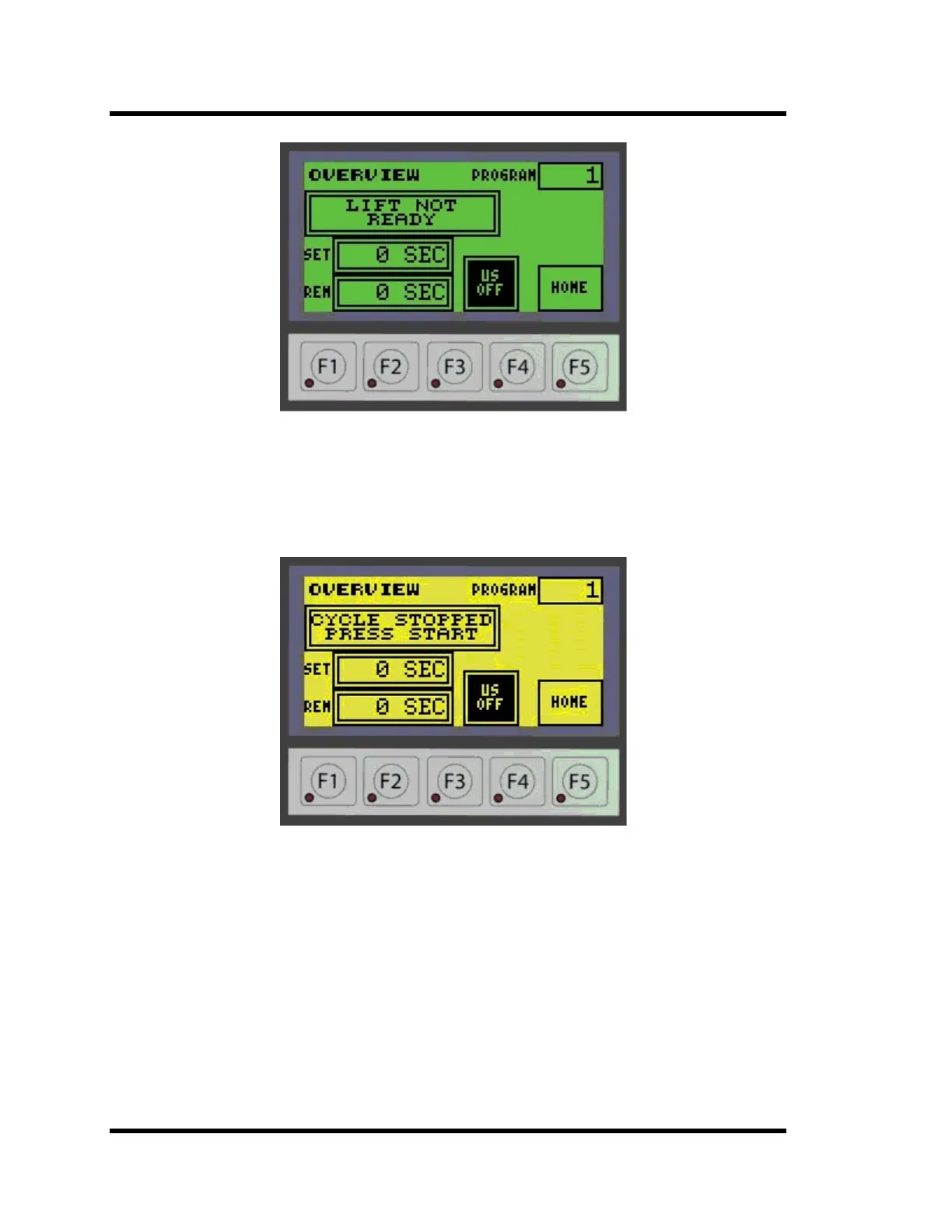
Figure 4-25 Lift Not Ready Screen
Move the lift up and to the left to the Load Unload position in Manual Mode.
If the CYCLE stop has been activated or if the external interlock has opened, the display
will show CYCLE STOPPED PRESS START shown in Figure 4-26 below.
Figure 4-26 Cycle Stopped Screen
Reset CYCLE STOP by twisting and pulling the CYCLE STOP switch if it has been
pressed, then press the CYCLE STOP switch on the operator interface. The CYCLE
STOP switch will display RUNNING.
The lift must be moved to the Load/Unload position if the lift was moved after CYCLE
STOP was pressed. If the lift was not moved, press both START buttons to continue the
cycle.
On cleaners equipped with manual covers, the cycle will not start if the cover is not open.
The display will show COVER NOT OPEN.
Open the cover before continuing.



 To Next Page