www.bresser.de
Chapter 6:
Information about the software
6.1 software installation
6.1.1 Procurement of the software
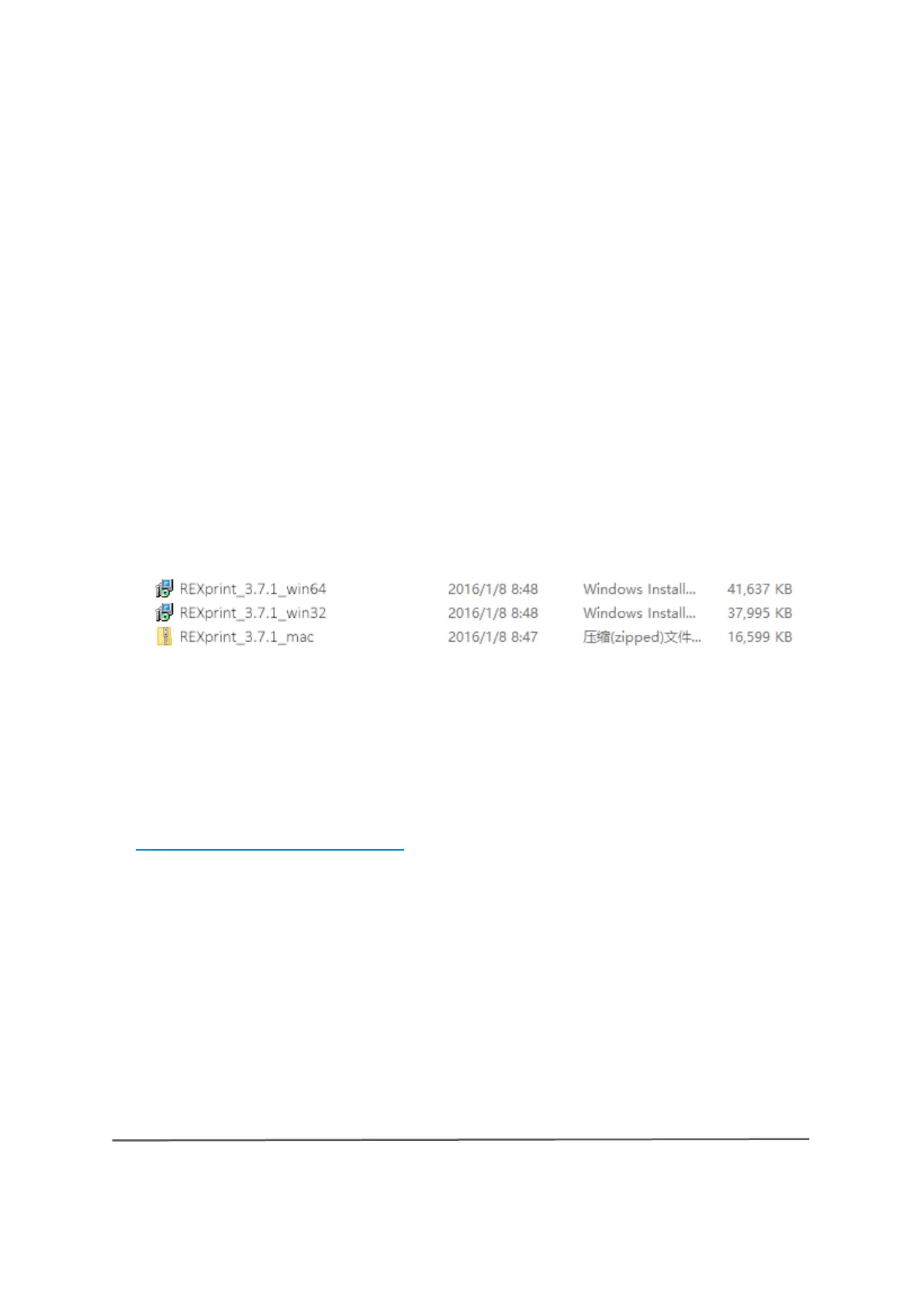
Method 1: USB stick
The complete installation package is located on the USB stick that is included
in the scope of delivery:
Method 2: Internet download
Access the 3D printer product page on the Internet via the following link:
http://www.bresser.de/P2010200
The software packages can be found under the tab "Downloads" and can be
downloaded from there.
6.1.2 Installing and setting up the
software
1. Extract ZIP file (Mac) or double-click to start the installation program



 To Next Page