www.bresser.de
G files GX files
7-7
Next, you will learn how to print a model.
7.2 printing methods
Once you have created the Gcode file, you can transfer it to the 3D printer. You
can use a USB cable or USB stick to transfer the file.
7.2.1 Printing from the computer
− is connected
① Connect the 3D Printer to the computer with a USB cable.
② Turn on the 3D printer, adjust the height of the printing plate and insert the
filament.
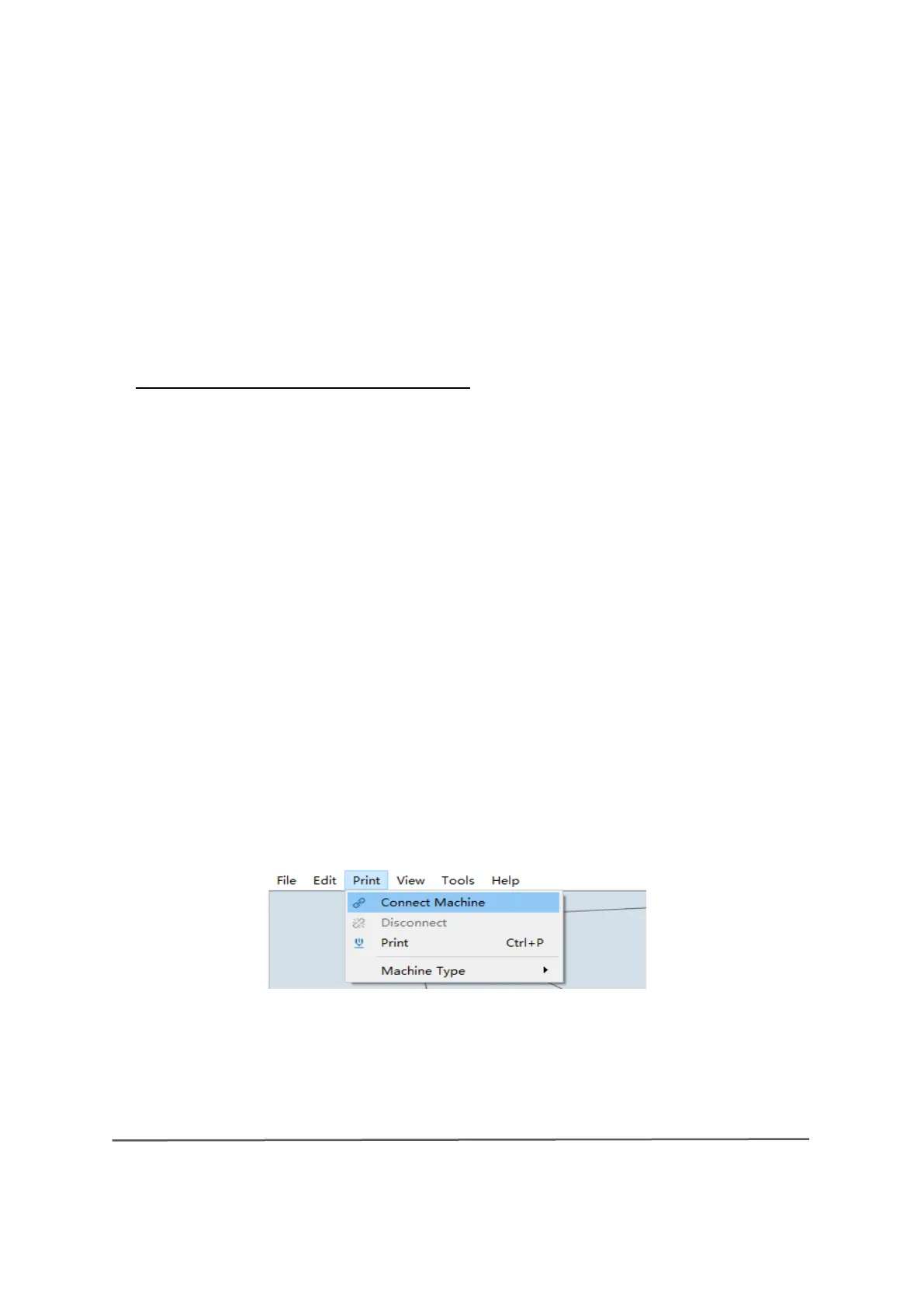
③ Click[Print] and send the Gcode file to the 3D printer. After the transfer is
completed, the printer will warm up automatically. When the warm-up is
completed, the printer starts to create the model.



 To Next Page