www.bresser.de
b. Save speed: Speed at which the filling is printed.
3) Combine Infill
A Maximum Combine Layers: Select the number of layers according to the
height of the layer. The total height should not exceed 0.4 mm.
b. Combine Mode: Includes the "Sparse and Solid" and "Sparse Only" modes.
The "Sparse Only" mode can only be used for the layers of the inner filling.
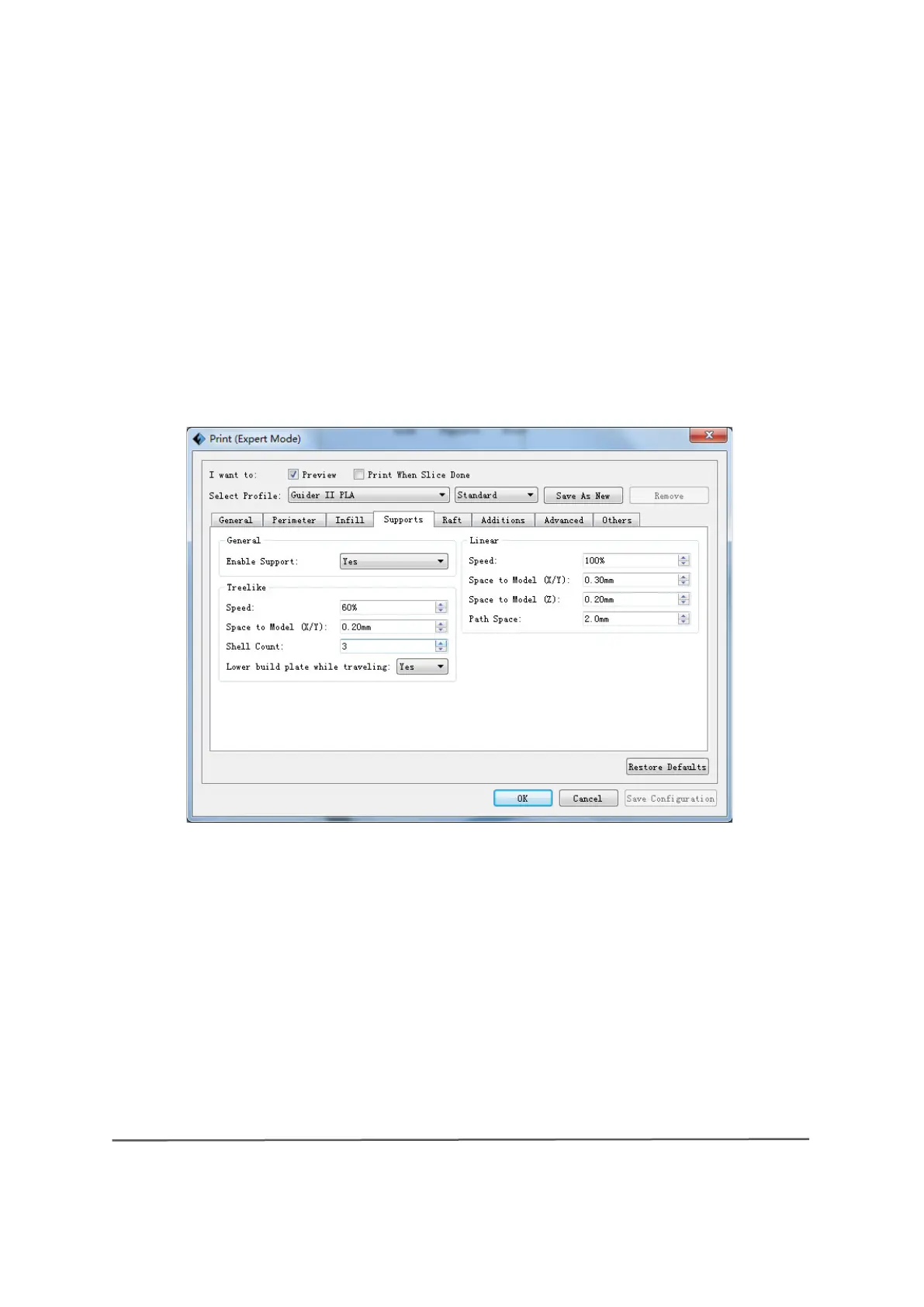
Supports
2) General
A Enable Support: The support option can be activated or deactivated. A support
structure can prevent a model from collapsing. If you select the "Yes" setting,
you can use supports in tree format or in linear format. If you select the "No"
setting, neither tree format nor linear format supports can be specified.
3) Treelike
A Speed: Speed at which columns are printed in tree format.
8-4



 To Next Page