www.bresser.de
A Enable Raft: Enable this option to print a base plate during printing. A base
plate improves the adhesion of the model to the printing plate.
b. Margin: The distance between the outline of the base plate and the outline of
the first model layer. If the option for the base plate is activated, the additional
area for the base plate around the object is also activated. Enlarging the border
creates a more solid base plate, consuming more material and leaving less
space for the object.
b. Space to Model (Z): The distance between the top of the base plate and the
first model layer.
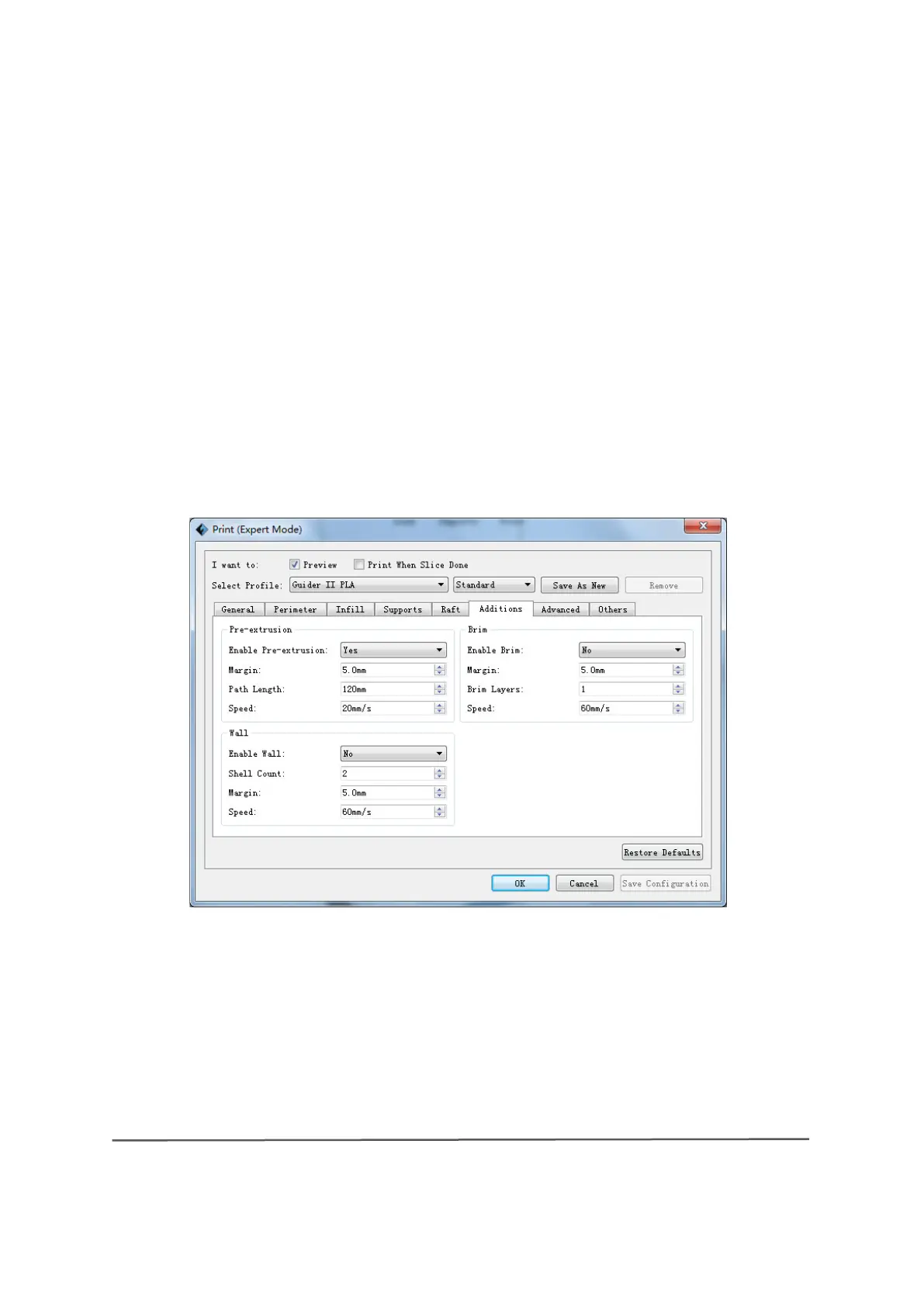
Additions
1) Pre-extrusion
A Enable pre-extrusion: Select "Yes" to allow the extruder to apply a preorder
until .
8-6



 To Next Page