www.bresser.de
Further information: Cutting function
Left-click the model to select it, then double-click on the “Cut” icon to set the
cut plane. Direction and position can be defined.
Example:
For large or irregular models, it is recommended to cut them into several pieces
to bypass existing printing limitations and thus achieve better print quality. Take
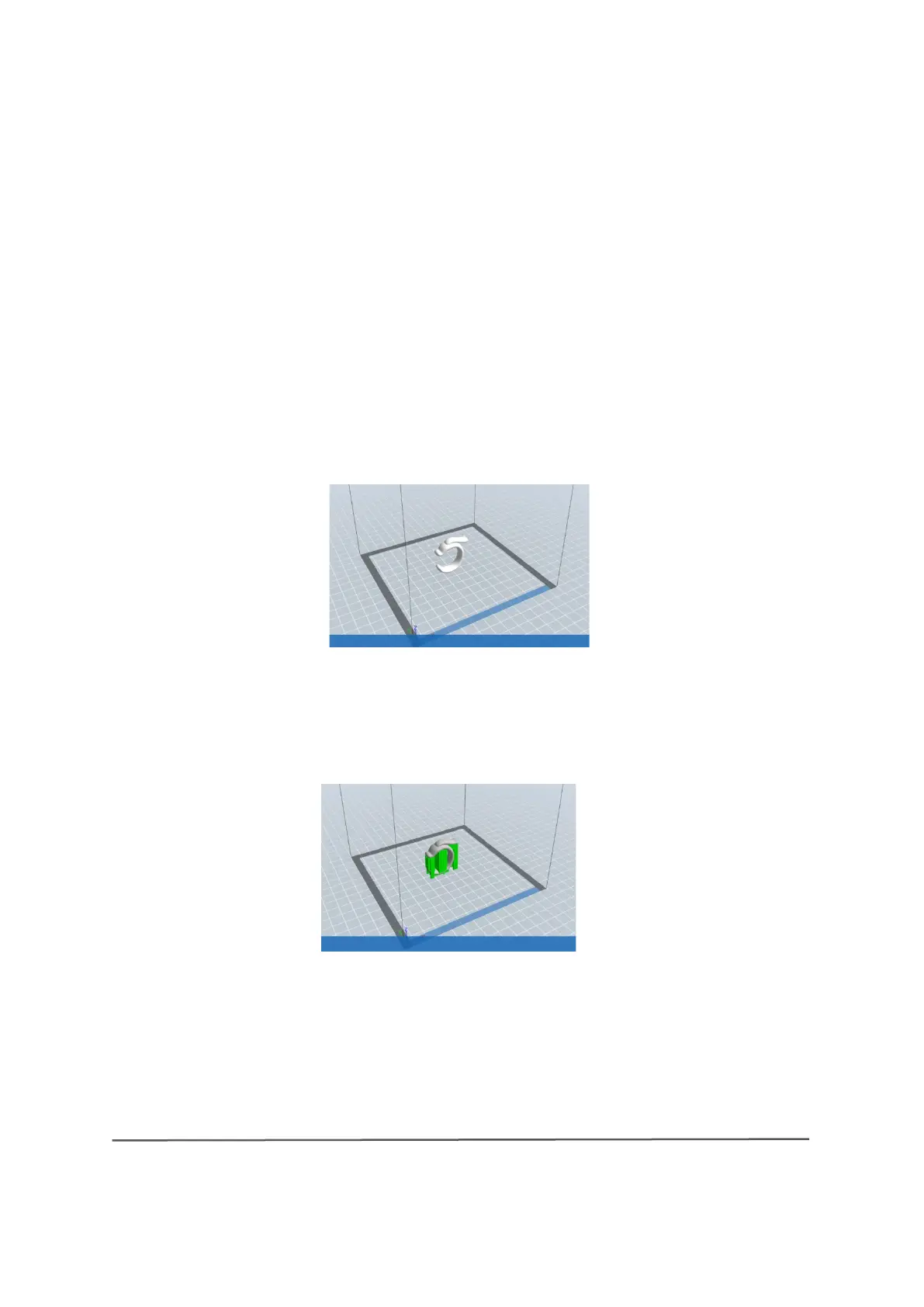
a look at the model below:
Figure 8-15 shows a preview of the original placement of a model, and Figure
8-16 shows the model with support structures.
(8-16) Model with support structure
If you look at Figure 8-16, you will see that the complex support structures affect
the smoothness of the model. After an analysis of the characteristics of the
8-16



 To Next Page