www.bresser.de
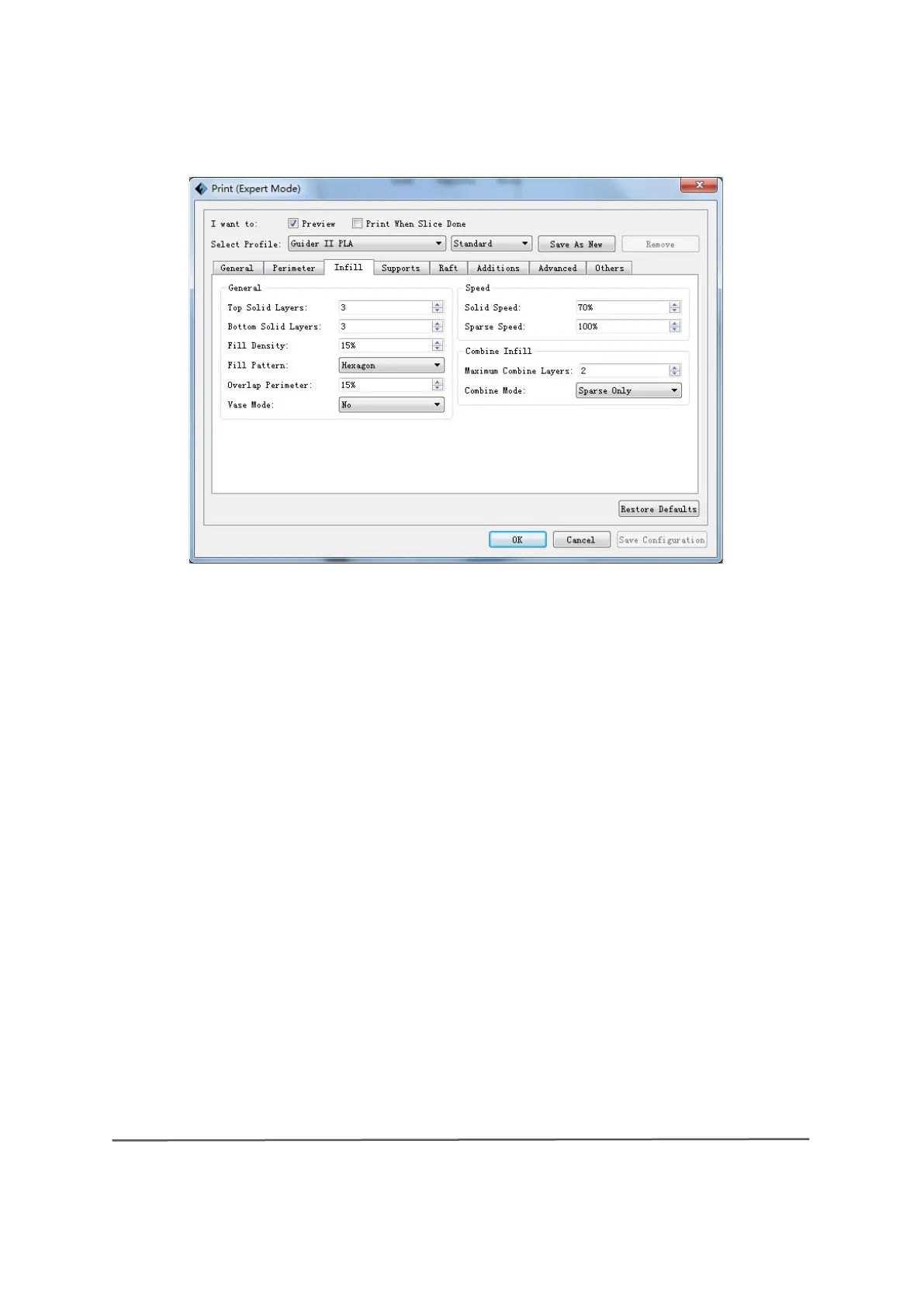
Infill
1) General
A Top solid layer: Number of solid layers on the top of the model.
A Bottom solid layer: Number of solid layers on the bottom of the model.
C Fill Density: Determines the internal strength of the model.
D Fill Pattern: This option sets the fill pattern for the inside of the part. A
hexagonal filling has a higher strength and a line filling takes less printing time.
e Start Angle: The angle of the first filling layer.
f. Overlap perimeter: The width in which the filling and the wrapper overlap.
G Vase fashion: When this option is selected, no inner fill and upper solid fill are
printed. (This option results in 0% filling with a single perimeter)
2) Speed
A Solid speed: Speed at which lower/upper parts are printed.
8-3



 To Next Page