www.bresser.de
4-9
(4-9) After the extruder reaches a temperature of 220℃, a printer beep will
sound as a prompt to feed the filament into the extruder.
4-10
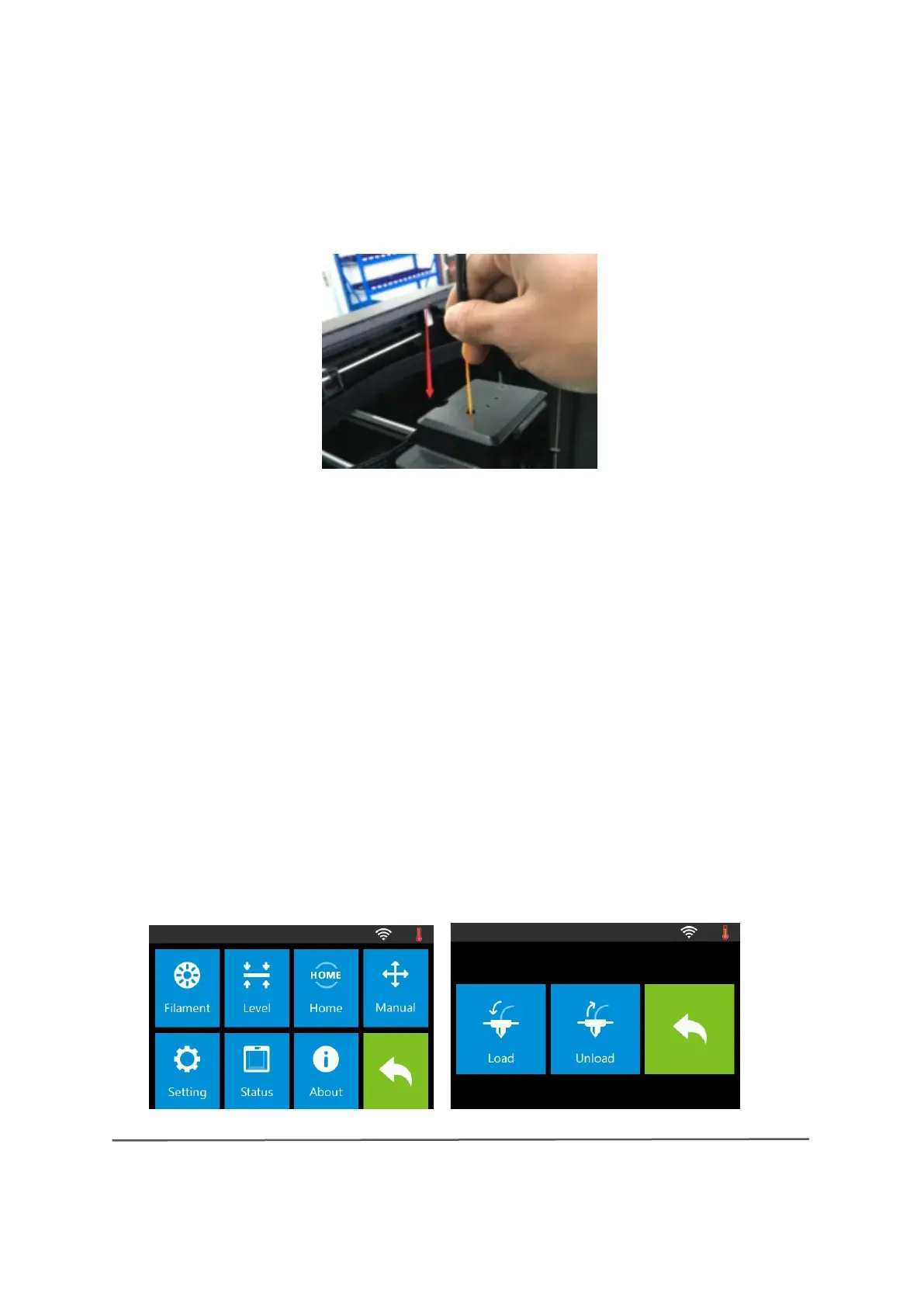
(4-10) Insert the filament vertically into the filament feeder as shown. The
filament is then drawn in by the extruder.
Note: Do not touch [Cancel] until the filament has been drawn a little bit
into the extruder.
4.4 Removing the filament


 To Next Page