www.bresser.de
① Connecting the 3D Printer to a computer in STA mode
A Activate the W-LAN of the 3D printer and connect the GuiderII to a computer
via W-LAN. Press [ Tools ], [ Setting ], [ WIFI ] and [ WIFI ON ].
b. The continuous signal for "REX II" is displayed as available in the network list.
c. After the connection between the computer and the 3D Printer is established,
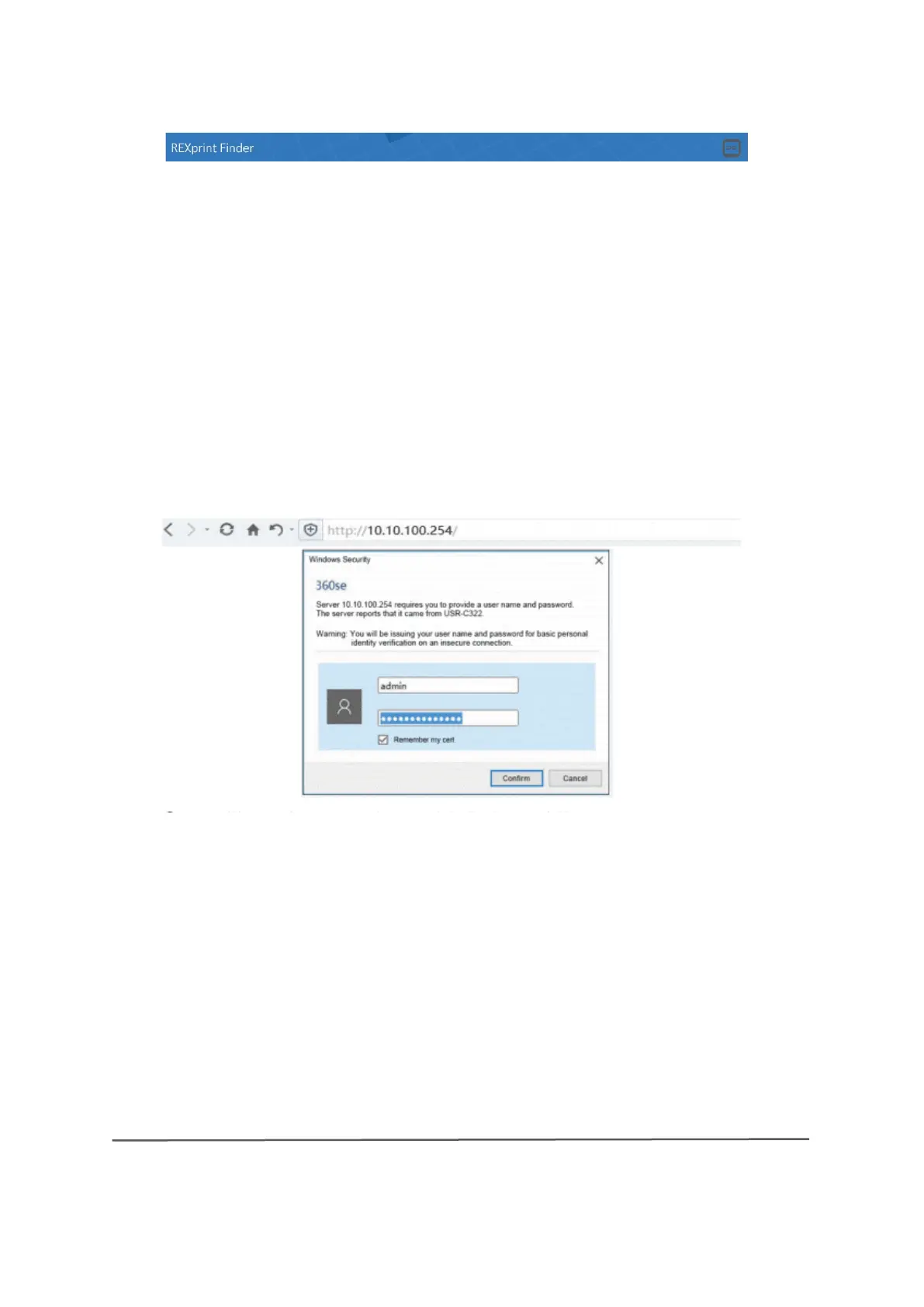
open the Internet browser and enter "10.10.100.254" and default user
name(Administrator) andpassword (Administrator).
The following user interface for the W-LAN settings opens:



 To Next Page