23 | DEDisplay Remote // Display Central // Before the rst commissioning
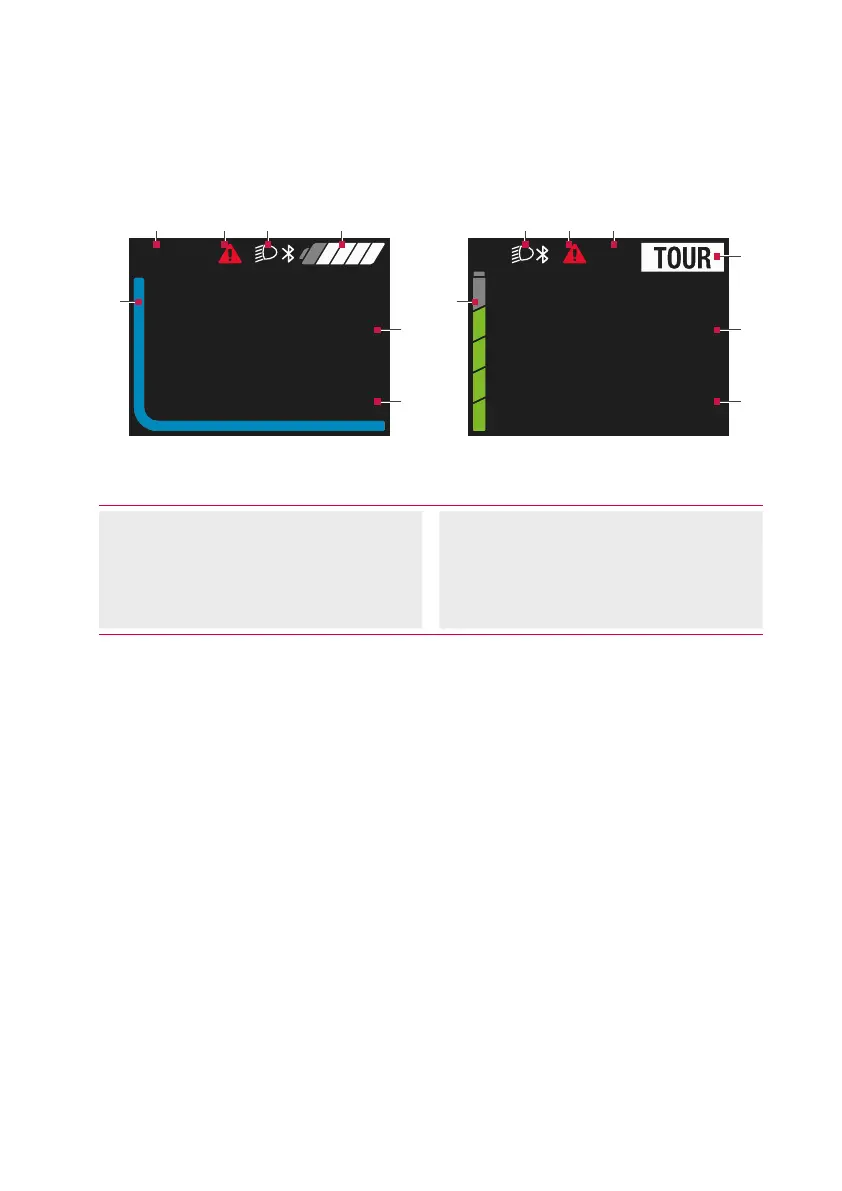
Display Central display unit
kmh
18.5
Trip km47.5
(4)
(6)
(5)
(3)
(1) (7)(2)
km
kmh
47.5
Trip
18
3
(6)
(5)
(4)
(1) (2)(7) (3)
Plain DesignStandard
Fig. 4: User interface of Display Central display unit
(1) System status information
(e.g. error)
(2) Illumination display
(3) Battery charge level indicator
(4) Current support level
(5) Trip information (including unit)
(6) Speed (including unit)
(7) Time
The display unit offers two different user
interfaces to choose from.
∙ Change the user interface
(see chap. 24 on page 33)
.
∙ The upper display area forms the
status bar and is permanently
displayed during cycling.
∙ In the central display area, the current
speed and the charging status or
the support level are displayed as a
coloured line.
∙ In the lower display area, you can use
the button to call various trip infor-
mation (trip data).



 To Next Page