DE | 28 Operation and handling // Display Remote // Display Central
18 Using the push assist
WARNING
Risk of accident and injury!
There is a risk of injury if the push
assist is used improperly.
» Only use the push assist as an aid
when pushing your e-bike:
− When the push assist is activated,
the e-bike must be held securely
with both hands and the wheels
must be in contact with the ground.
− Do not use the push assist to
propel yourself while sitting on the
e-bike.
INFORMATION
Familiarise yourself with the function
and acceleration of the push assist
away from road traffic.
INFORMATION
During the operation of the Display
Central display unit, the displays on
the Display Remote control unit are
deactivated.
The push assist is used to support you
when pushing your e-bike.
The push assist accelerates the e-bike
without pedal support to a speed
specified by the e-bike manufacturer
(3to6km/h).
kmh
3
5
Walk
WALK
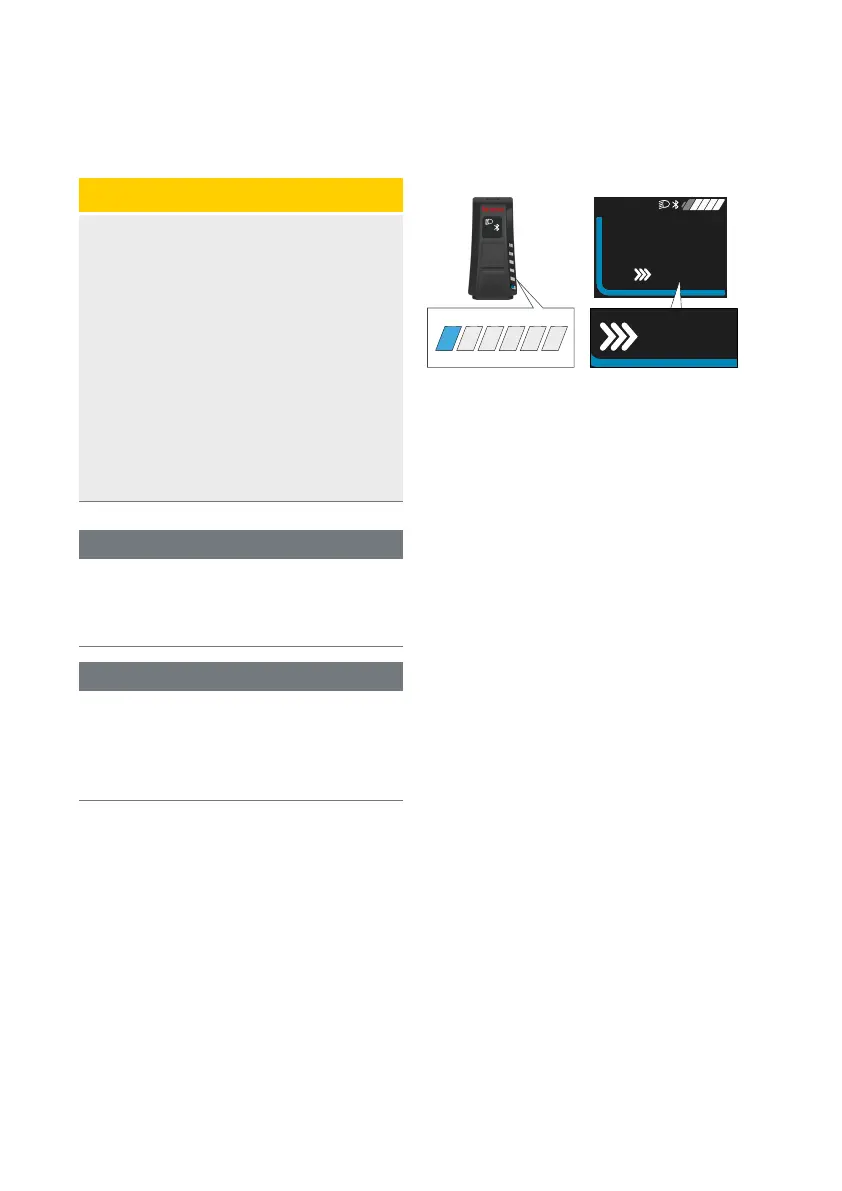
Fig. 6: Push assist (active)
Activate push assist
1. Press the button.
› The function is activated.
› PUSH- appears on the Display
Central display.
2. Within 5 seconds, press and hold the
button for as long as you need the
push assist function.
› In Display Remote, all LEDs in the
LED band light up.
› WALK appears on the Display
Central display.
› Release the button to deactivate
the push assist.
Deactivating the push assist
The push assist is deactivated as soon
as one of the following events occurs:
∙ You release the button,
∙ The speed specified by the
e-bike manufacturer is exceeded
(3to6km/h).
Display CentralDisplay Remote



 To Next Page