33 | DEDisplay Remote // Display Central // Menu and settings
24 Settings
System
Information
Zurück
Language
Screens
Bluetooth
Display
System
Information
11:59
SETTINGS
BACK
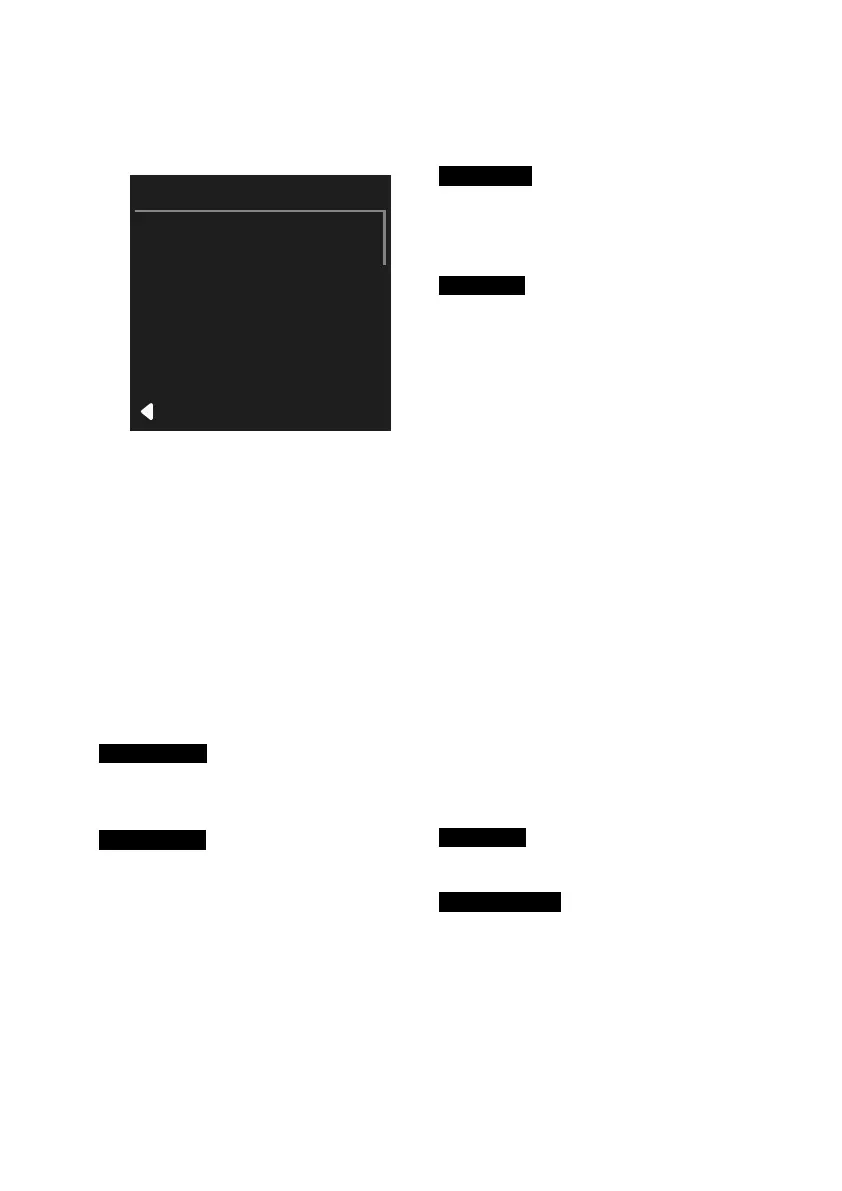
Fig. 10: SETTINGS Menu
Calling the SETTINGS
∙ Press the button for two seconds.
∙ Use the / buttons to select
Settings and confirm the selection
with the button.
→ SETTINGS is shown on the
display.
The following settings and informa-
tion are available for selection on the
SETTINGS menu:
Language
Selecting a language immediately
changes the language display.
Bluetooth
Mobile devices can be connected via
the Bluetooth
®
interface to use the Brose
E-bike app.
∙
(see chap. 17 on page 27)
Screens
∙ Personalise the display of trip infor-
mation (trip data). Select which data
can be displayed while cycling.
Display
∙ Adjust the display.
Automatic
› The display brightness and the day
and night cycling display (white/
black) are controlled automatically
via the light sensor.
Brightness
› Control of the display bright-
ness: This can only be changed if
automatic control is deactivated.
White/Black
› Switch between white and black
background.
Stealth Mode
› The backlight of the display is
switched off after 5 seconds of
inactivity. All e-bike and display
functions remain active. Press any
key to switch the backlight back on.
Plain Design
› Change the user interface
(Fig. 4, p.23)
.
System
∙
(see chap. 25 on page 34)
Information
∙ Information about your Brose Drive
System (e.g. product name and
software version).



 To Next Page