DE | 32 Menu and settings // Display Remote // Display Central
Menu and settings
INFORMATION
Please note that not every Brose Drive
System has all setting options. It is
possible that some menu items are not
activated or are not available.
INFORMATION
The menu and settings cannot be
accessed during cycling.
To access the menu and the settings, the
following requirements must be met:
∙ The Display Central display unit is
mounted and connected;
∙ The battery is inserted and sufficiently
charged;
∙ The Brose Drive System is switched
on;
∙ The e-bike is at a standstill.
23 Menu
Settings
Tripinformation
Reset
11:59
MENU
BACK
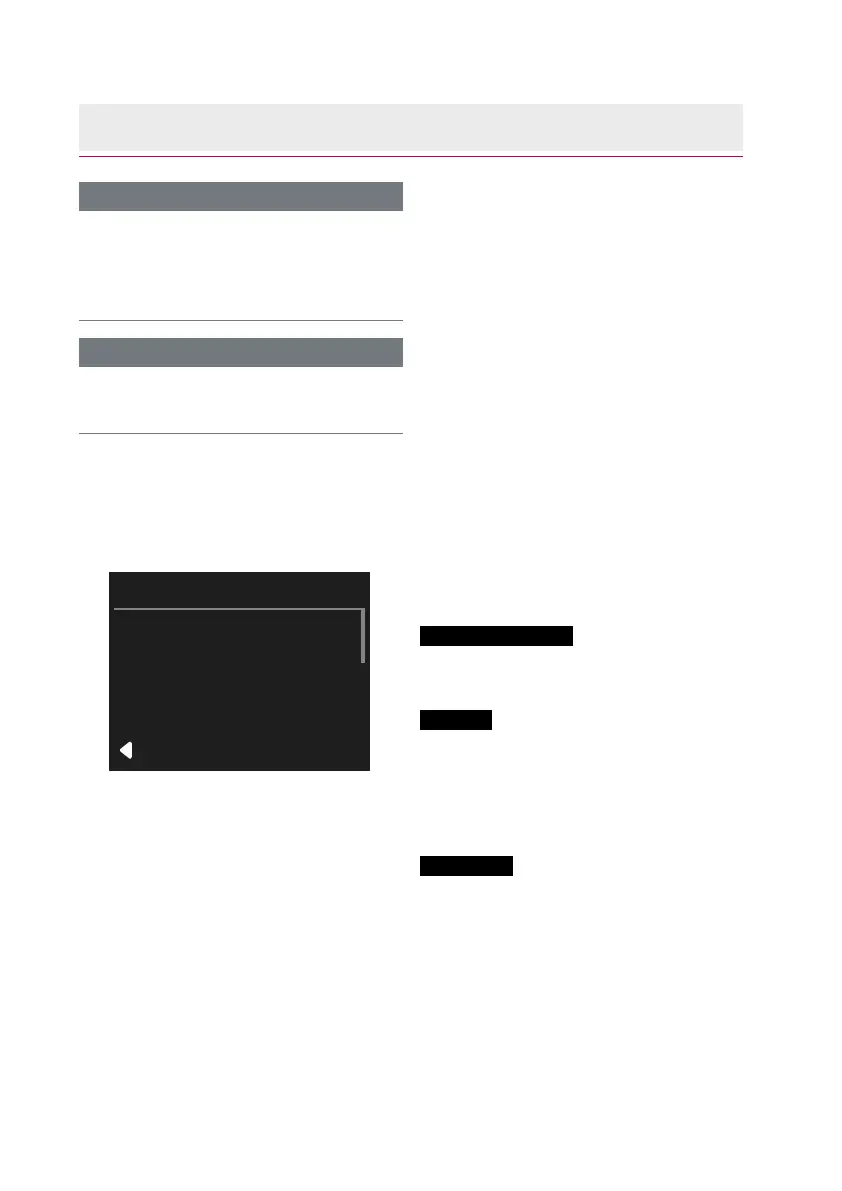
Fig. 9: MENU Settings
Calling the MENU
∙ Press the button for two seconds.
→ MENU is shown on the display.
The following settings and information
are available for selection on the MENU:
Tripinformation
∙ Overview of all trip information (trip
data).
Reset
∙ Reset trip information (all trip data).
› After reconfirmation, all trip informa-
tion (trip data) can be deleted.
The total kilometres cannot be deleted.
Settings
∙
(see chap. 24 on page 33)



 To Next Page