29 | DEDisplay Remote // Display Central // Operation and handling
19 Switching the lighting on and off
In the version where the cycling light is
powered by the Brose Drive System, the
button on the control unit can be used
to switch the front and rear lights on and
off simultaneously.
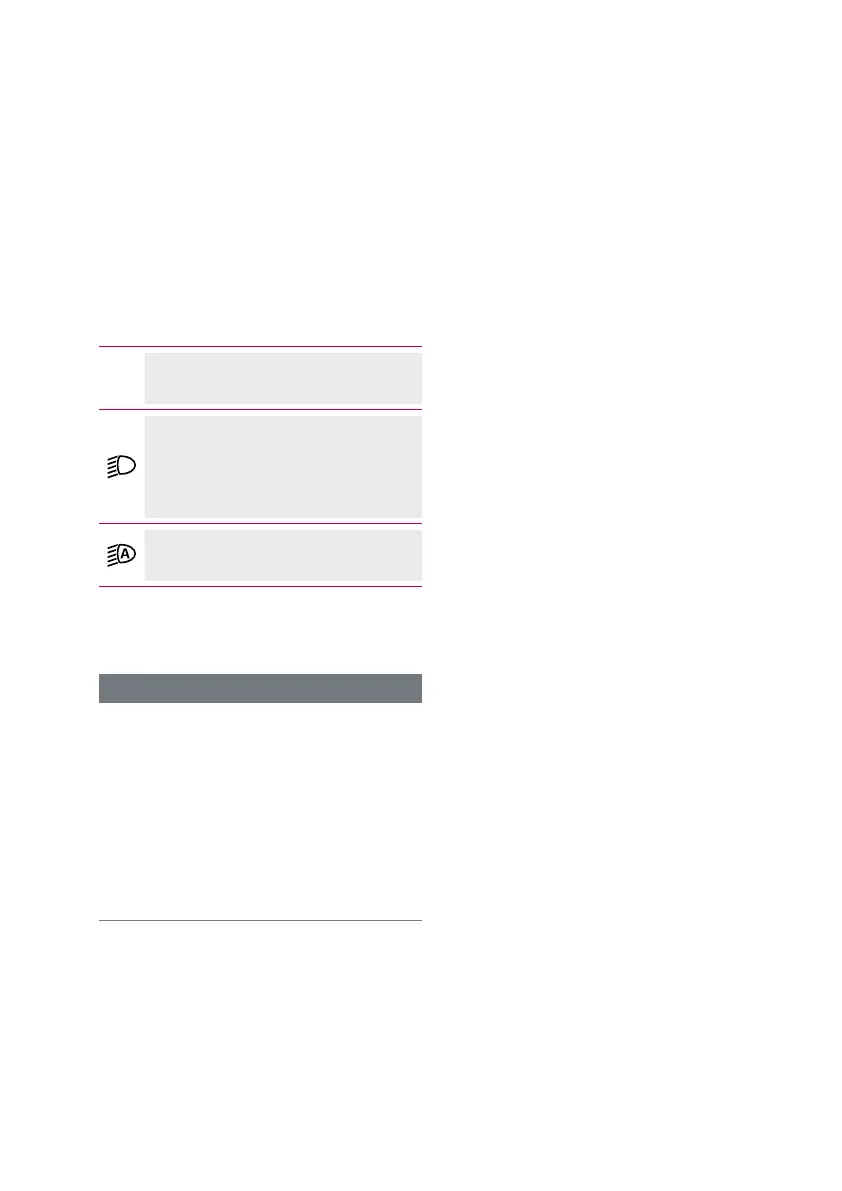
When the light is on, a symbol is shown
in the display.
Display Remote/Display Central:
No lighting activated
Display Remote/Display Central:
Lighting switched on manually
or
Display Remote:
Automatic control activated
Display Central:
Automatic control activated
Switching the backlight on and off has
no effect on the backlight of the display.
INFORMATION
If the battery has been removed from
the e-bike or if the battery is completely
discharged, the light will not illuminate.
If the e-bike does not have a separate
lighting system, it is possible that it will
no longer comply with your local road
traffic regulations (StVZO in Germany)
and must therefore not be used on
public paths/roads.
19.1 Switching the lighting on / off
manually
∙ Press the button on the control unit
to switch on the lighting.
∙ Press the button on the control unit
again to switch off the lighting.
19.2 Activating/deactivating auto-
matic headlight control
Display Remote
∙ Press and hold the button on the
control unit to activate the automatic
headlight control.
› The top LED in the LED band lights
up for two seconds.
→ The automatic cycling light control
is activated.
∙ Press and hold the button on the
control unit again to deactivate the
automatic headlight control.
› The top LED in the LED band flashes
twice briefly.
→ The automatic cycling light control
is deactivated.
Display Central
Activating or deactivating the automatic
headlight control is carried out in the
System Settings menu
(see chap. 25 on
page 34)
.



 To Next Page