DE | 30 View // Display Remote // Display Central
View
20 Changing the trip information
view
The following information can be shown
in the display unit display:
∙ Range
∙ Time
∙ Cycling distance
∙ Travel time
∙ Average speed
∙ Maximum speed
∙ Total cycling distance
To switch between trip information items:
∙ Press the button.
INFORMATION
Individual functions may be deacti-
vated depending on the e-bike model.
Detailed information is available from
your e-bike manufacturer and your
authorised Brose specialist dealer.
21 System information
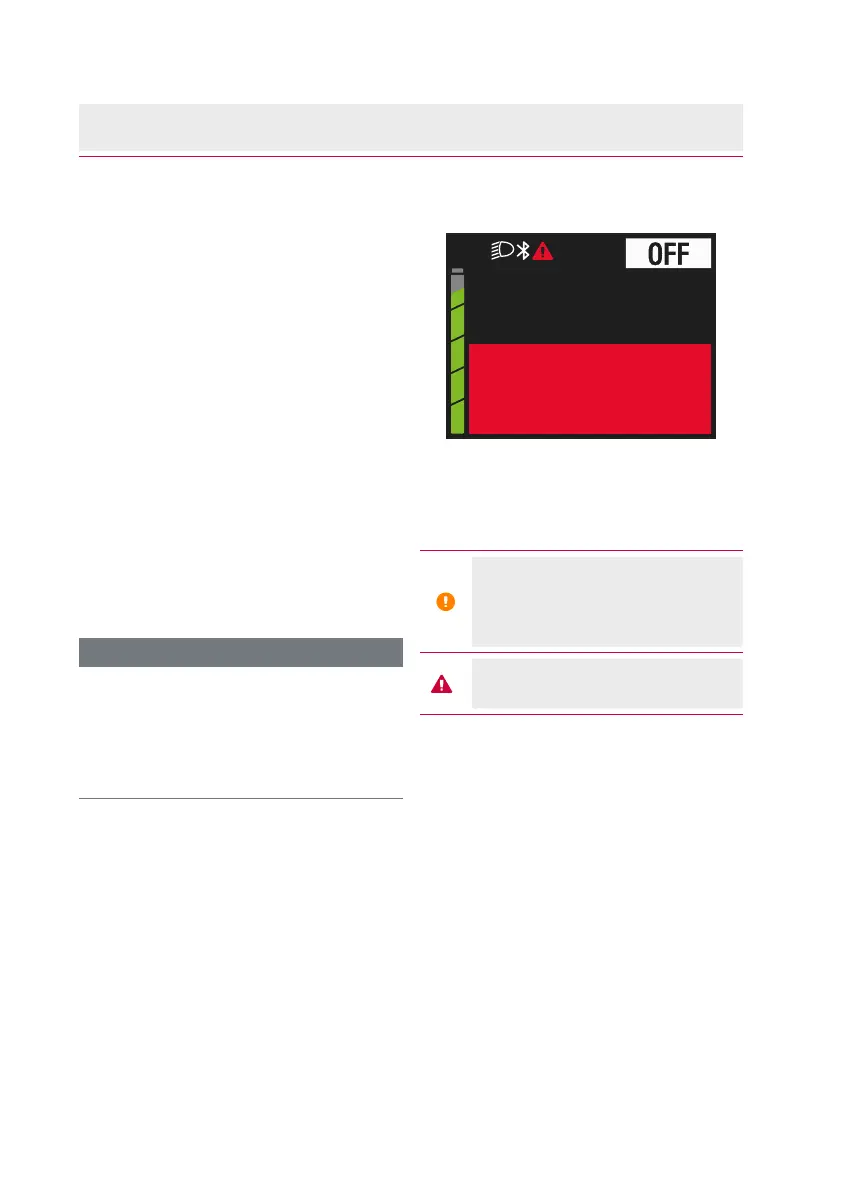
kmh0.0
Check
Speed Sensor
Fig. 7: Example of error message
The following is displayed in the status
bar:
The battery reserve is reached
or the battery is completely
discharged and the system is
switched off
An error has occurred
(see chap. 27 on page 36)
.



 To Next Page