Confidential
2-69
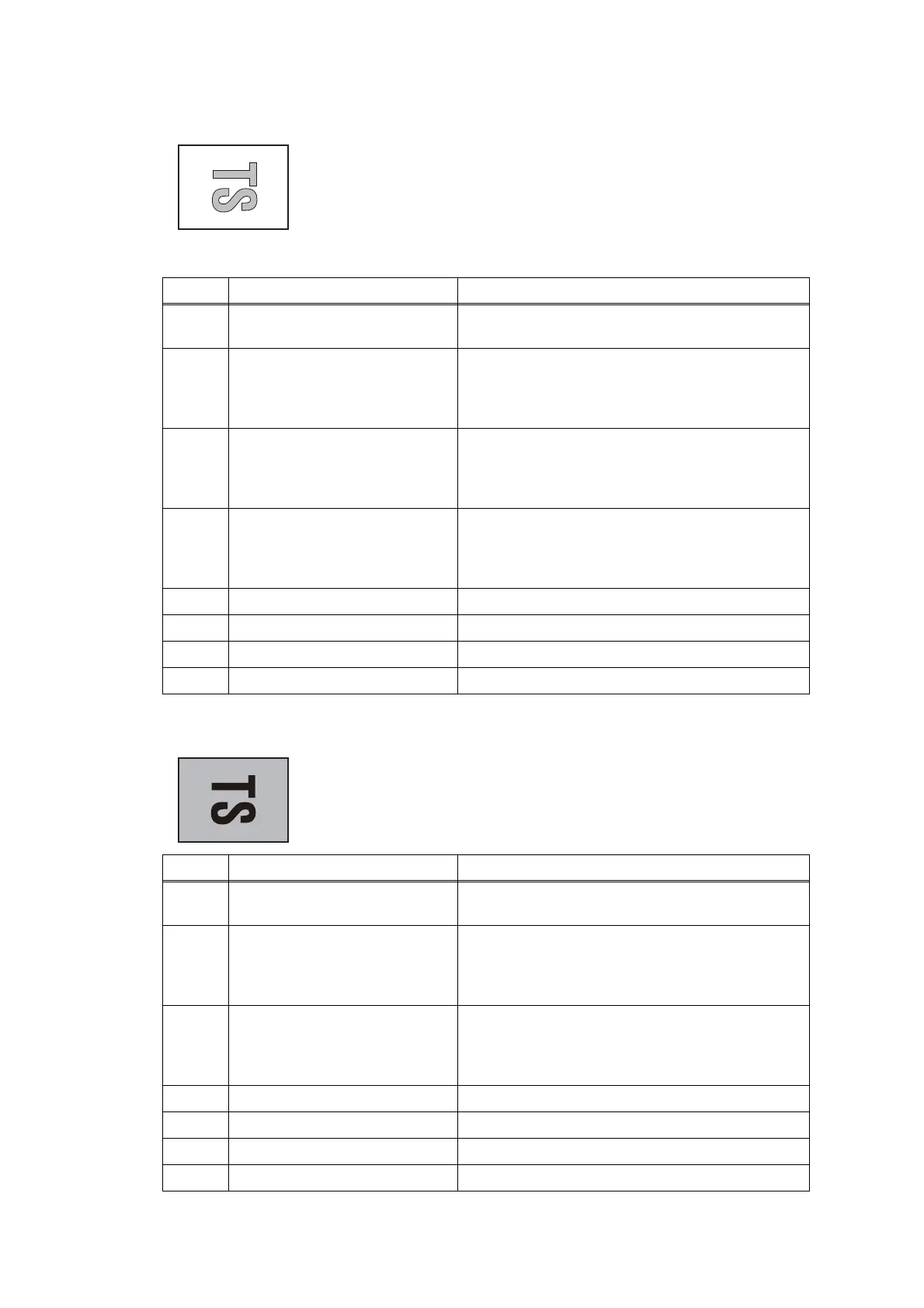
■ Light
■ Dark
< User Check >
- Check whether the recording paper being used is within
the specification.
- Check whether the paper type setting is correct.
- Carry out head cleaning.
-
Replace the ink cartridge.
- Refill ink.
Step Cause Solution
1 Maintenance unit stained Clean the maintenance unit.
(refer to Fig. 2-11 (2-68))
2 Wrong head property
information
Input the head property information. (refer to
Chapter 5, Section 1.3.24 "Updating of Head
Property Information and Backup/Restoration of
Head Calibration Data (Maintenance mode 68)")
3 Head calibration uncompleted Write the head calibration data.
(refer to Chapter 5, Section 1.3.2 "Creating of
Head Calibration Data and Writing it into Flash
ROM (Maintenance mode 02)")
4 Non-discharge of ink from
head
Perform the recommended purge procedures.
(refer to the recommended procedures in
Chapter 5, Section 1.3.28 "Purge Operation
(Maintenance mode 76)".
5 Carriage PCB defective Replace the carriage PCB ASSY.
6 Maintenance unit defective Replace the maintenance unit.
7 Head defective Replace the head/carriage unit.
8 Main PCB defective Replace the main PCB.
< User Check >
- Check whether the paper type setting is correct.
Step Cause Solution
1 Maintenance unit stained Clean the maintenance unit.
(refer to Fig. 2-11 (2-68))
2 Wrong head property
information
Input the head property information. (refer to
Chapter 5, Section 1.3.24 "Updating of Head
Property Information and Backup/Restoration of
Head Calibration Data (Maintenance mode 68)")
3 Head calibration uncompleted Write the head calibration data.
(refer to Chapter 5, Section 1.3.2 "Creating of
Head Calibration Data and Writing it into Flash
ROM (Maintenance mode 02)")
4 Carriage PCB defective Replace the carriage PCB ASSY.
5 Maintenance unit defective Replace the maintenance unit.
6 Head defective Replace the head/carriage unit.
7 Main PCB defective Replace the main PCB.



 To Next Page
 Loading...