Confidential
2-70
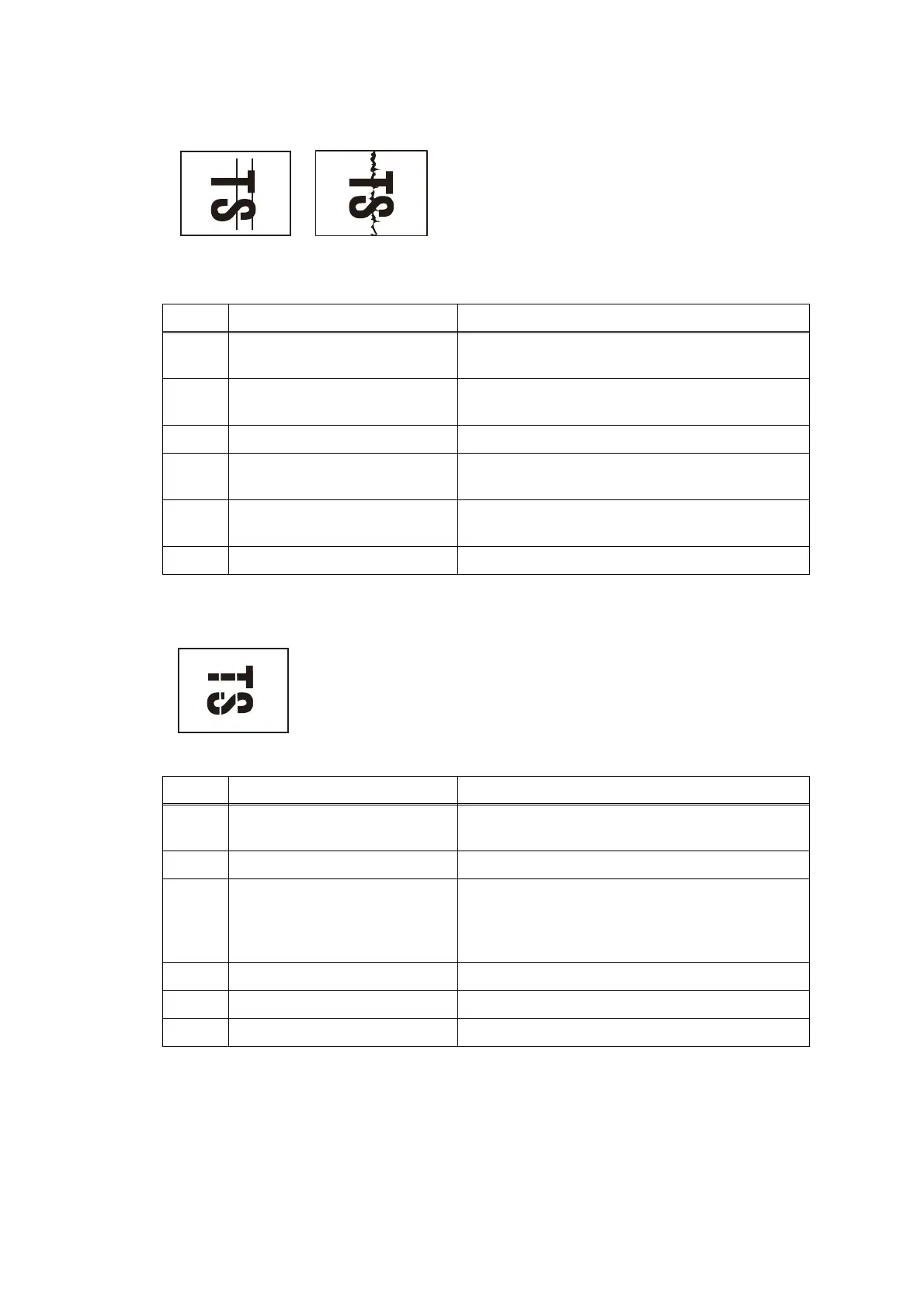
■ Vertical streaks
■ White vertical streaks
< User Check >
- Check whether the recording paper
being used is within the specification.
- Clean the related rollers by printing
blank paper.
- Clean the platen.
Step Cause Solution
1 Foreign materials in the CR
guide rail
Remove foreign materials.
2 Recording paper path
contaminated
Clean the recording paper path.
3 CR encoder strip stained Clean the CR encoder strip.
4 Carriage flat cable not
mounted in place
Set the carriage flat cable into place.
5 Ink supply tubes not mounted
in place
Set the ink supply tubes into place.
6 CR encoder strip defective Replace the CR encoder strip.
< User Check >
- Carry out head cleaning.
Step Cause Solution
1 Foreign materials in the CR
guide rail
Remove foreign materials.
2 CR encoder strip stained Clean the CR encoder strip.
3 Non-discharge of ink from
head
Perform the recommended purge procedures.
(refer to the recommended procedures in
Chapter 5, Section 1.3.28 "Purge Operation
(Maintenance mode 76)".
4 CR encoder strip defective Replace the CR encoder strip.
5 Carriage motor defective Replace the carriage motor ASSY.
6 Head defective Replace the head/carriage unit.



 To Next Page
 Loading...