S-7300A
Machine does not operate
when power is turned on
and treadle is pressed.
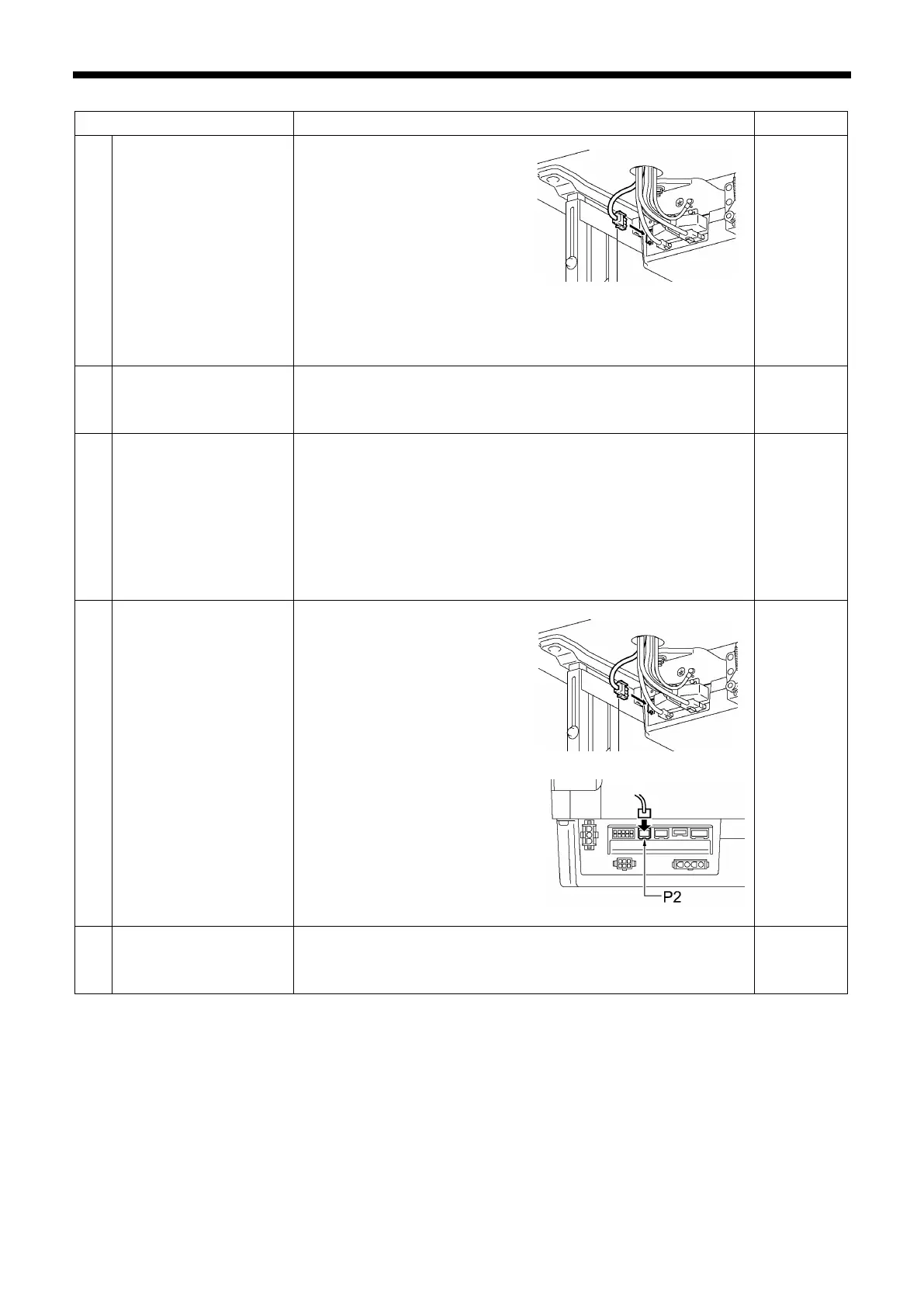
・ Is the power supply connector
disconnected from the control
box?
Insert the connectors
securely.
・ Is the operation panel set to a
screen other than a screen
where sewing is possible?
Switch the operation
panel to a screen where
sewing is possible, such
as the home screen.
12・13
61
at high speed.
・
Is the sewing speed setting or backtack stitch speed setting too
slow?
Set a higher sewing speed.
28 - 30
sewing.
・ Has the sewing pattern been set to a fixed stitch pattern?
In main sewing mode, set the sewing pattern to something
other than a fixed stitch pattern.
・ Is the power supply voltage too low?
Check the power supply voltage.
(If the power cord is too long or too many appliances are being
run from a sing
le outlet, this may cause voltage drops which will
in turn cause the reset function to activate and stop the
machine, even if the power supply itself is normal.)
25・29
*
operation panel display.
・
Is the power supply connector
disconnected from the control
box?
Insert the connectors
securely.
・ Is the operation panel
connector inside the control
box disconnected?
Insert the connectors
securely.
12・13
8
"Grease up" flashes in the
panel
power switch is turned on.
・
This display is to notify you that it is time to apply grease.
Apply grease.
*



 To Next Page