Style Programming
SMART MATRIX FEEDER 2-32
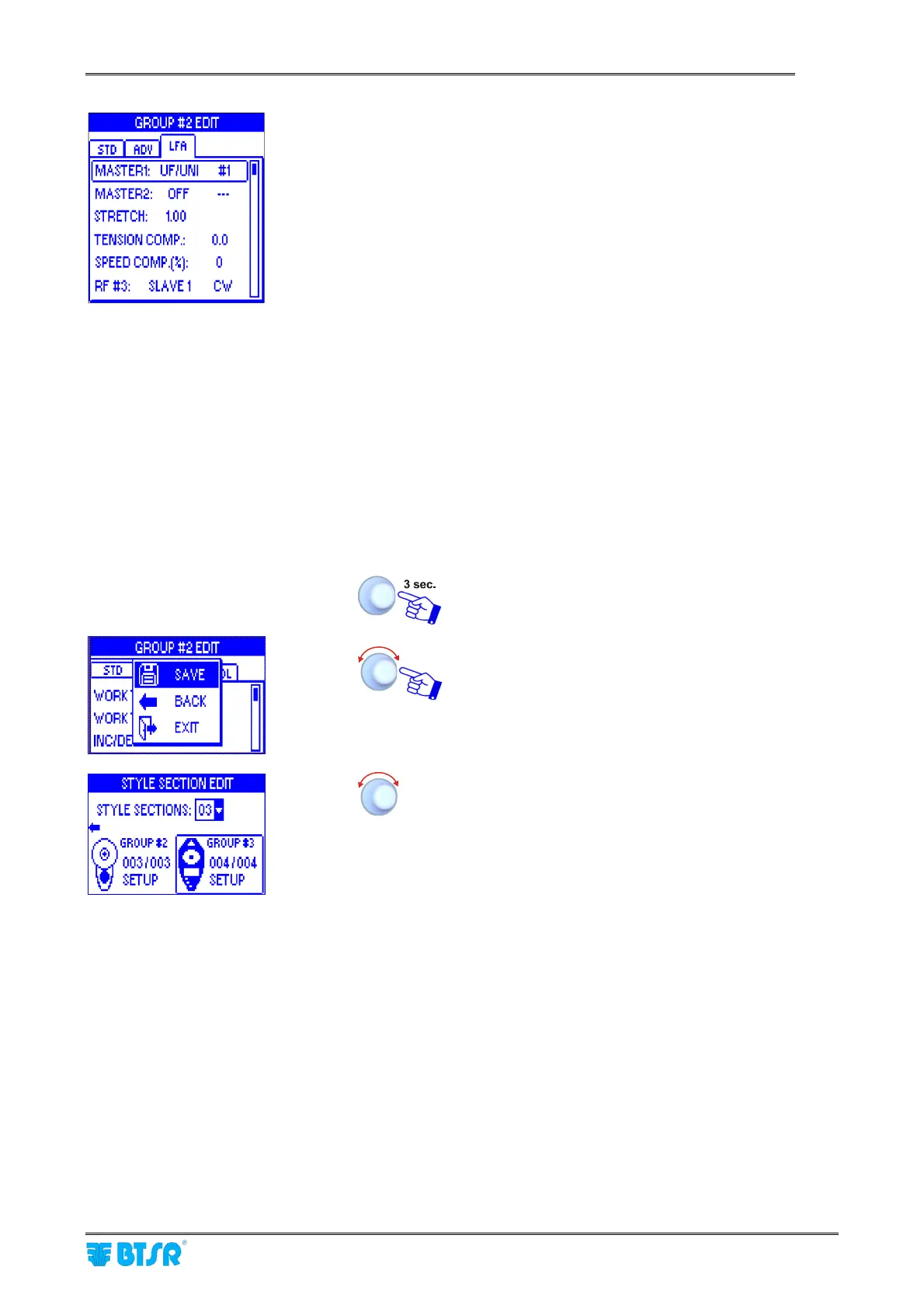
If an ULTRAFEEDER/UNIFEEDER device is
configured as MASTER1, then the STRETCH
parameter will appear after the MASTER 2 item.
The “Stretch ratio” allows adjusting the ROLLING
FEEDER Slave device speed according to the
ULTRAFEEDER/UNIFEEDER Master speed.
In this case it is not necessary to carry out the
CALIBRATION INITIALIZATION procedure.
If, on the contrary, a ROLLING FEEDER device is
configured as MASTER1 then it will be necessary to
carry out the CALIBRATION INITIALIZATION
procedure (described on the “LEARN procedure –
CALIBRATION INIT” paragraph, on the ROLLING
FEEDER/MED manual). In this case the SPEED:
AUTO parameter will appear in place of the
STRETCH parameter.
For the meaning of TENSION COMP and SPEED
COMP (%) parameters, please refer to the ROLLING
FEEDER/MED manual (P2.3 and P2.4 parameters)
You can also set the MASTER and SLAVE device
rotation direction as clockwise (CW) or counter-
clockwise (CCW)
Once you have setup the parameters on the STD, ADV
and LFA windows
SAVE to save the set parameters and go back to the
group setting screen
Select GROUP #3



 To Next Page