Operation
SMART WARP - 3.3 -
7. Operating Status Signaling Area
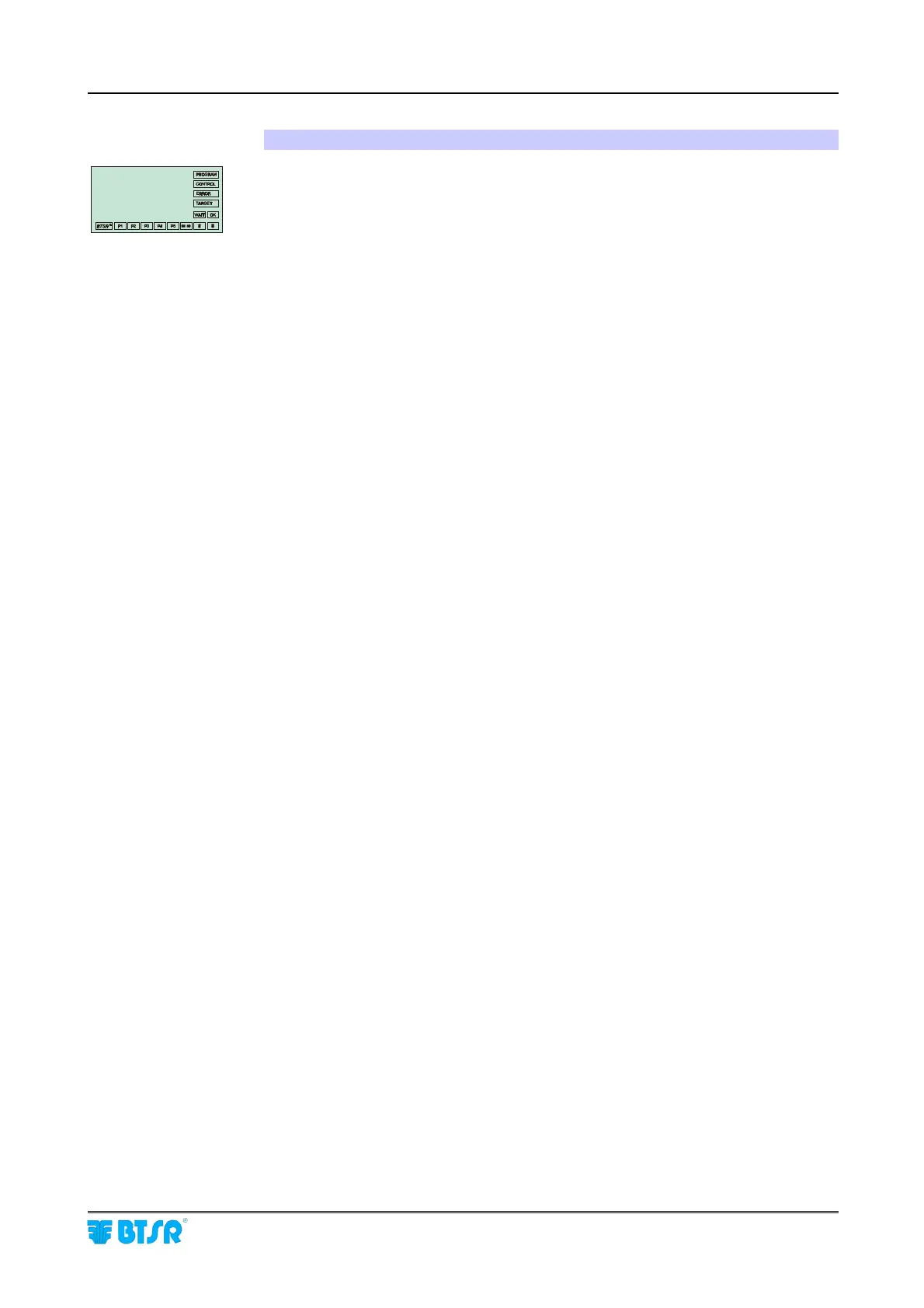
To enable a more direct and evident interpretation of the operating context in
which you are working, on the right hand side and bottom side of the operator
message area, 16 rectangular boxes (labels) are implemented. They display the
operating status of the system, and the hierarchic level of the menu at which you
are operating.
More specifically, the PROGRAM label indicates that you are operating in one of
the following modes: configuration, programming or data transmission to the
sensors.
The CONTROL label indicates that the system is operating normally with all
monitor functions enabled, and according to the parameters currently set in the
system. In this phase the message display indicates CONTROL nnnn.
The ERROR label indicates that an error has been detected during normal
operation of the system. In this case the display shows the type of error detected
(for more information please refer to the operating sequences within this chapter
and to chapter 4 – Troubleshooting).
The labels P1 .. P5 indicate the hierarchic level of the menu in which you are
operating. P1 is the highest level, P5 is the lowest hierarchical level. To move
from an upper to a lower level you must normally press down the ENTER button,
while to do the opposite, i.e. going from a lower to an upper level you must press
the RESET button.
The level indication P1 .. P5 can be particularly useful during the initial phase
when one is not yet familiar with the use of the programming functions. For
example, if the system indicates P1 it is useless to press the RESET button, as the
system is already in the main menu and it is not possible to select a higher level of
the menu.











 To Next Page