14
15
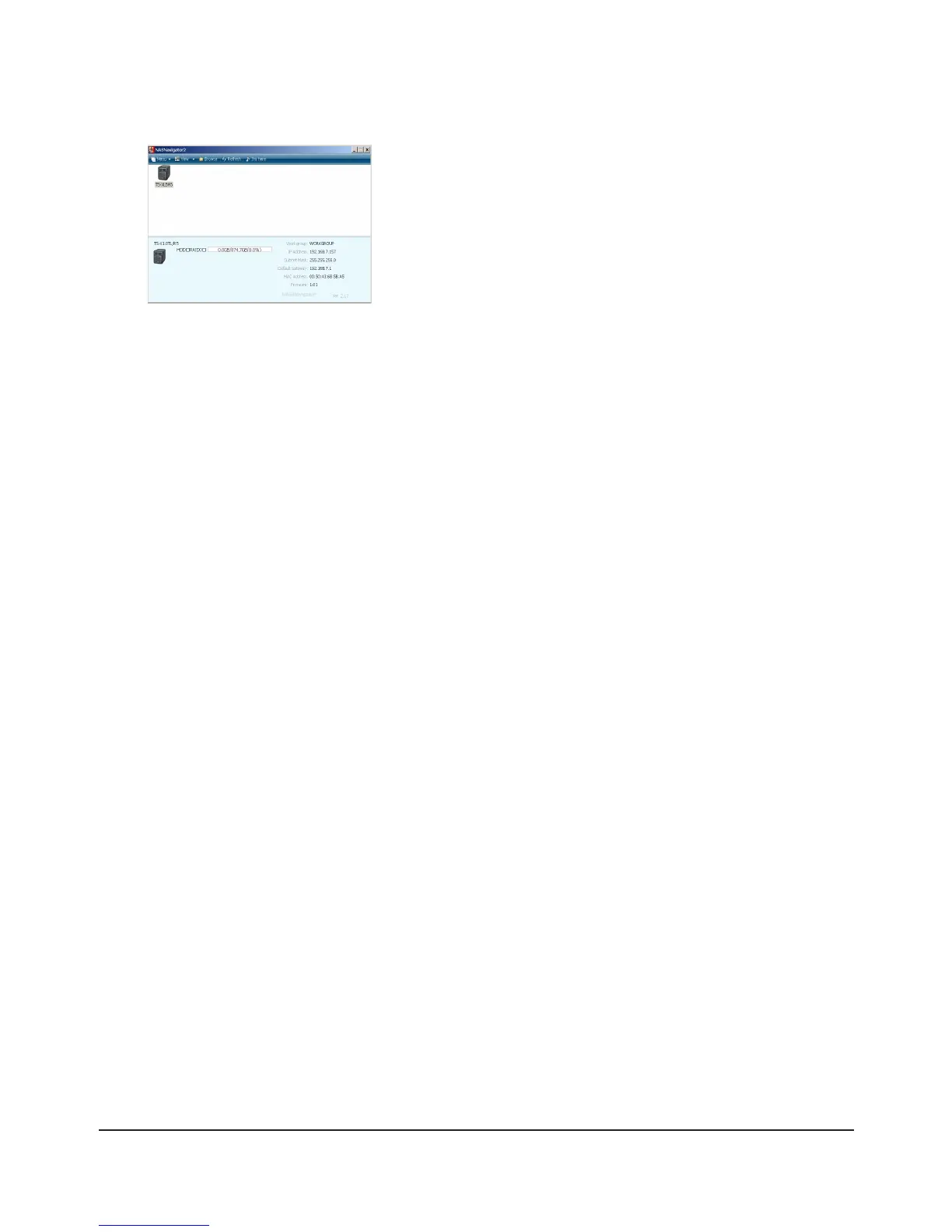
Double-click on your TeraStation’s icon.
The TeraStation’s shared folders are displayed.
Note:
For Mac OS, TeraStation is mounted as a drive icon on the desktop, or displayed in the sidebar of the [Finder].
Setup is now complete. You can now use the TeraStation's shared folders to save les just like other hard drives.
Note:
Keep the TeraStation updated with the latest rmware. You can download the latest rmware from
www.bualotech.com. The currently installed rmware version is displayed on the main screen of NAS Navigator2.

















 To Next Page