TeraStation User Manual 31
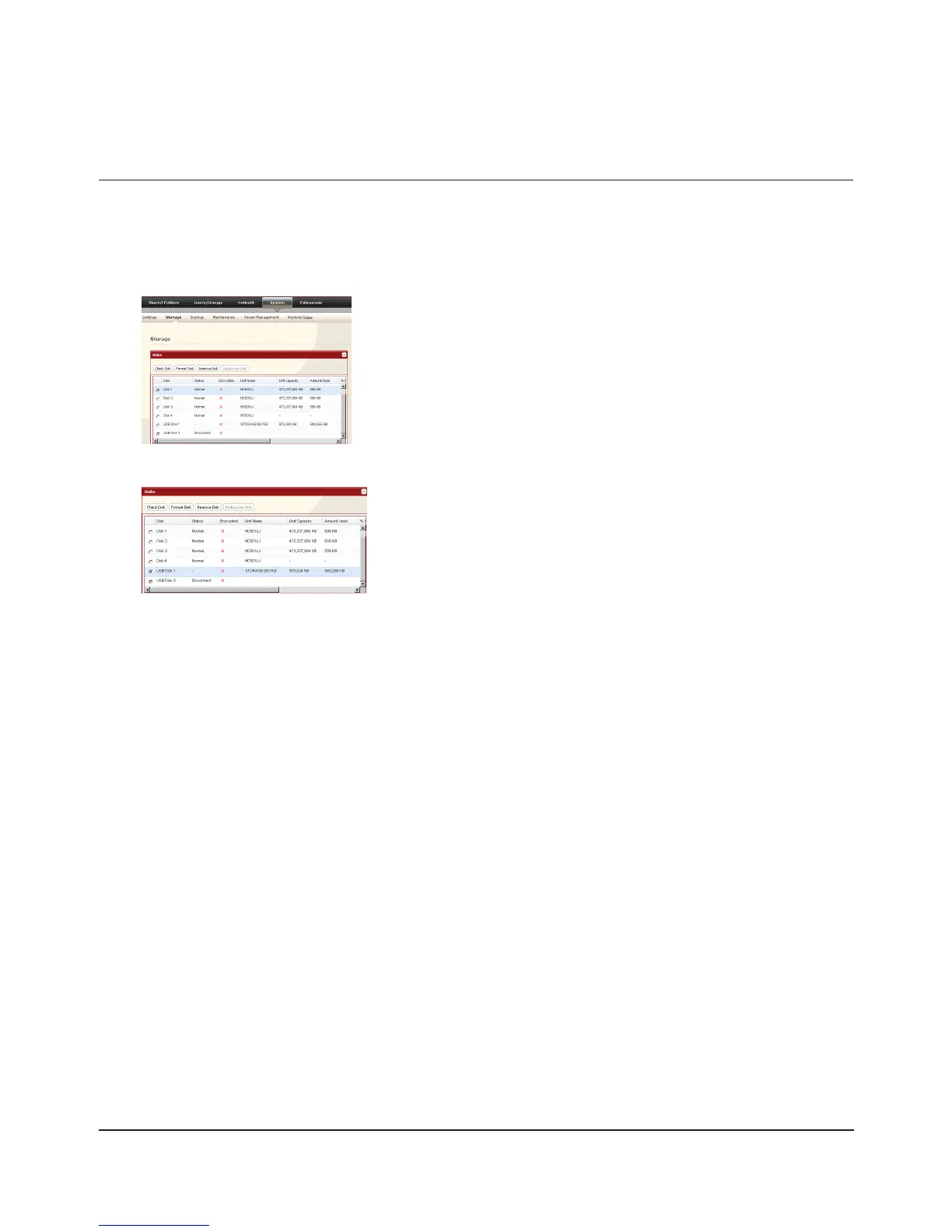
Alternately, you can dismount an external drive from within the Web Admin interface.
1
2
When the [Conrm Operation] screen opens, enter the displayed number within 60 seconds and click [Apply].
The function button will ash blue (on the TS-RXL, the LED next to the function button will ash). Remove the 3
USB device within 30 seconds.
Note:
After 30 seconds, the drive will be remounted. If this happens, perform another dismount before removing it.
The USB drive may now be safely disconnected.
Select the USB drive.1
Click [Remove Disk].2
Dismounting from the Web Admin interface
In the Web Admin interface, click [System] – [Storage] – [Disks].

















 To Next Page