Enable TeraSearch to allow text searches for strings (such as from a text le or data) on the TeraStation.
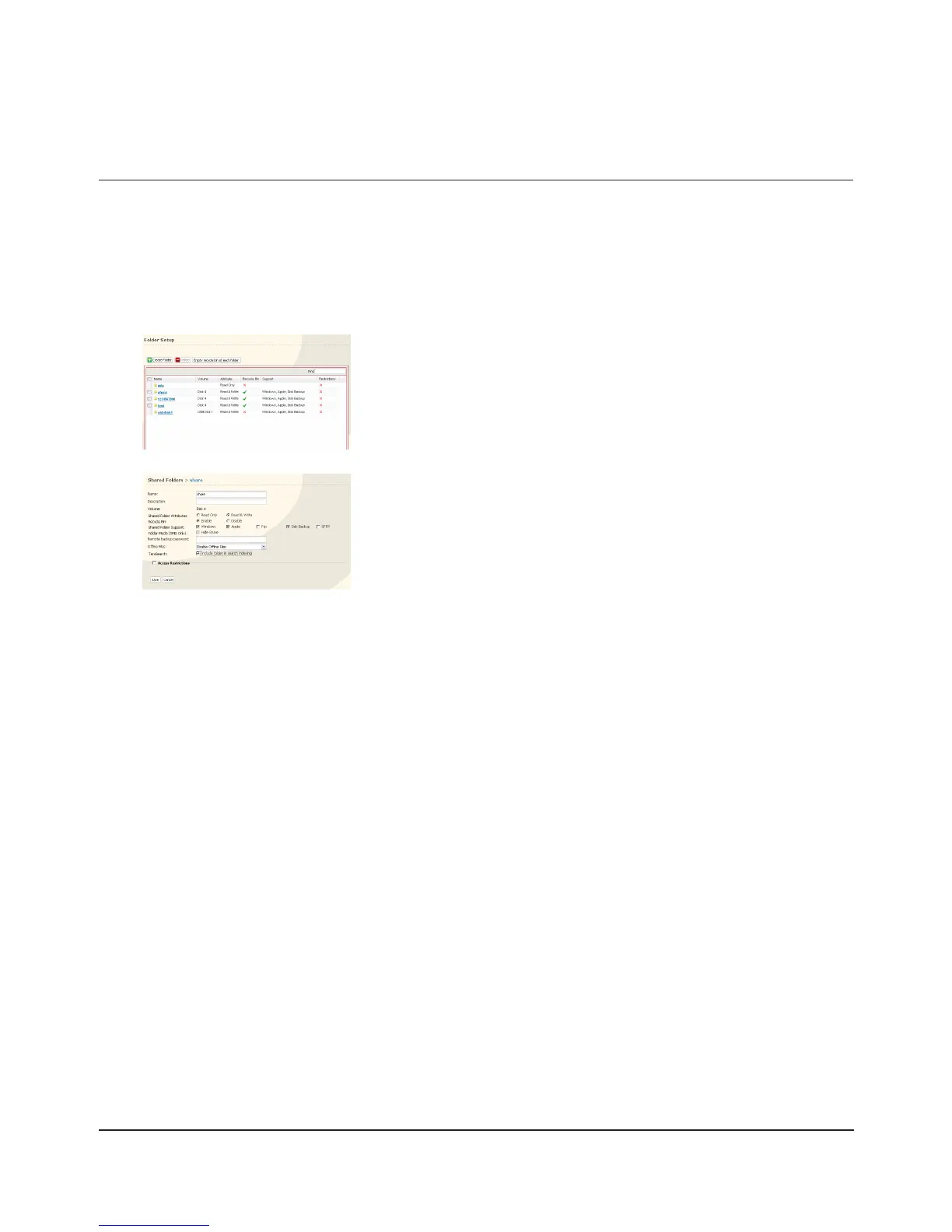
In the Web Admin interface, select [Shared Folders] - [Folder Setup].1
2
3
Click [Shared Folders] - [TeraSearch] on the Web Admin interface.4
Click [Modify Settings].5
Select [Enable], and click [Save].6
Note:
If you want to update the index regularly, click [Modify Settings] and specify a Time to update the index for
[Update Index at].
Click [Update Index].7
Click the shared folder to create an index for.
Click [Include folder in search indexing] for [TeraSearch].1
Click [Save].2
TeraSearch

















 To Next Page