Time Machine
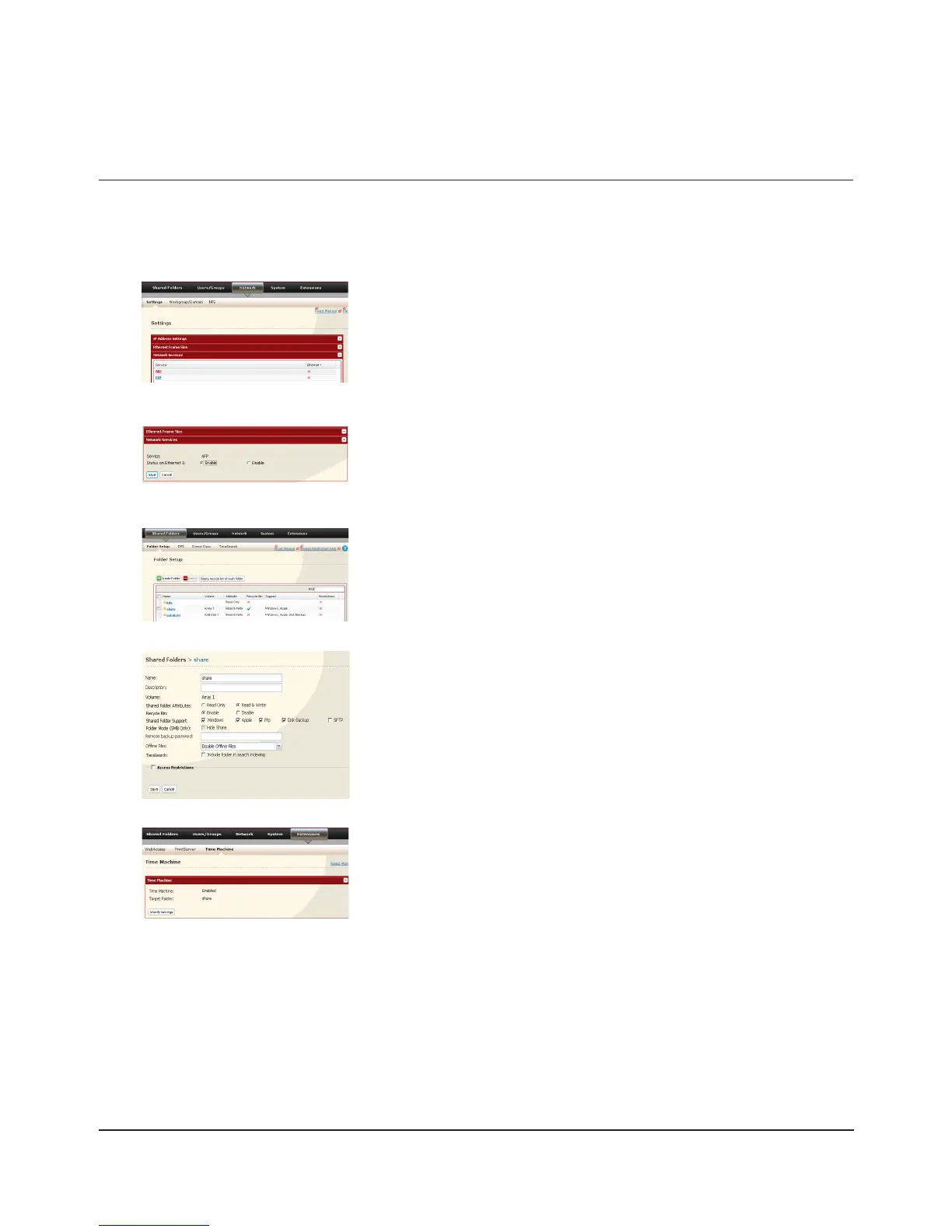
Time Machine is a backup program included with Mac OS X 10.5 or later. To use it with the TeraStation, congure the
TeraStation as described below.
1
2
3
4
5
Check [Apple] under [Shared Folder Support].1
Click [Save].2
In the Web Admin interface, navigate to [Network] - [Settings] - [Network
Services] and click [AFP].
Select [Enable] and click [Save].
Note:
Settings for both LAN Port 1 and 2 are the same (ports cannot be
congured separately).
Navigate to [Shared Folders] - [Folder Setup].1
Choose a shared folder to congure as a backup destination for Time 2
Machine.
Navigate to [Extensions] - [Time Machine].1
Click [Modify Settings].2

















 To Next Page