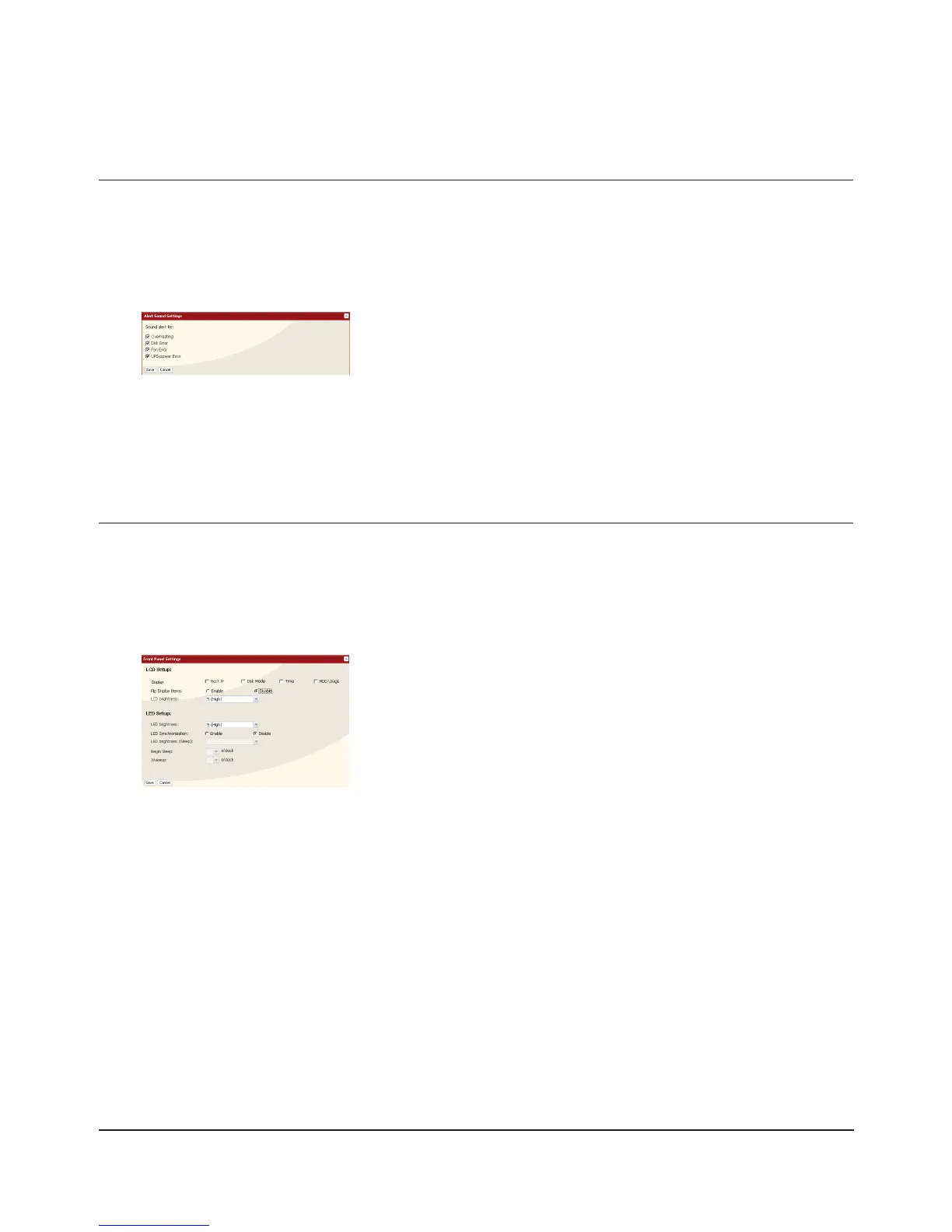
You can set the TeraStation to beep when certain errors occur.
In the Web Admin interface, select [System] - [Maintenance] - [Alert Sound Settings] - [Modify Settings].1
2
You’ve now congured alerts.
Select the conditions to beep the alert from [Overheating], [Disk Error], 1
[Fan Error], or [UPS power Error].
Click [Save].2
You may congure the LEDs and LCD screen on the front of the TeraStation here.
In the 1 Web Admin interface, select [System] - [Maintenance] - [Front Panel Settings]. Click [Modify Settings].
2
You have completed the settings for the display panel.
Beep Alerts
LCD Display Settings
Congure the desired settings for [LCD Setup] and [LED Setup]. 1
Click [Save].2

















 To Next Page