TeraStation User Manual 59
Chapter 8
Managing your TeraStation
Name, Date and Time
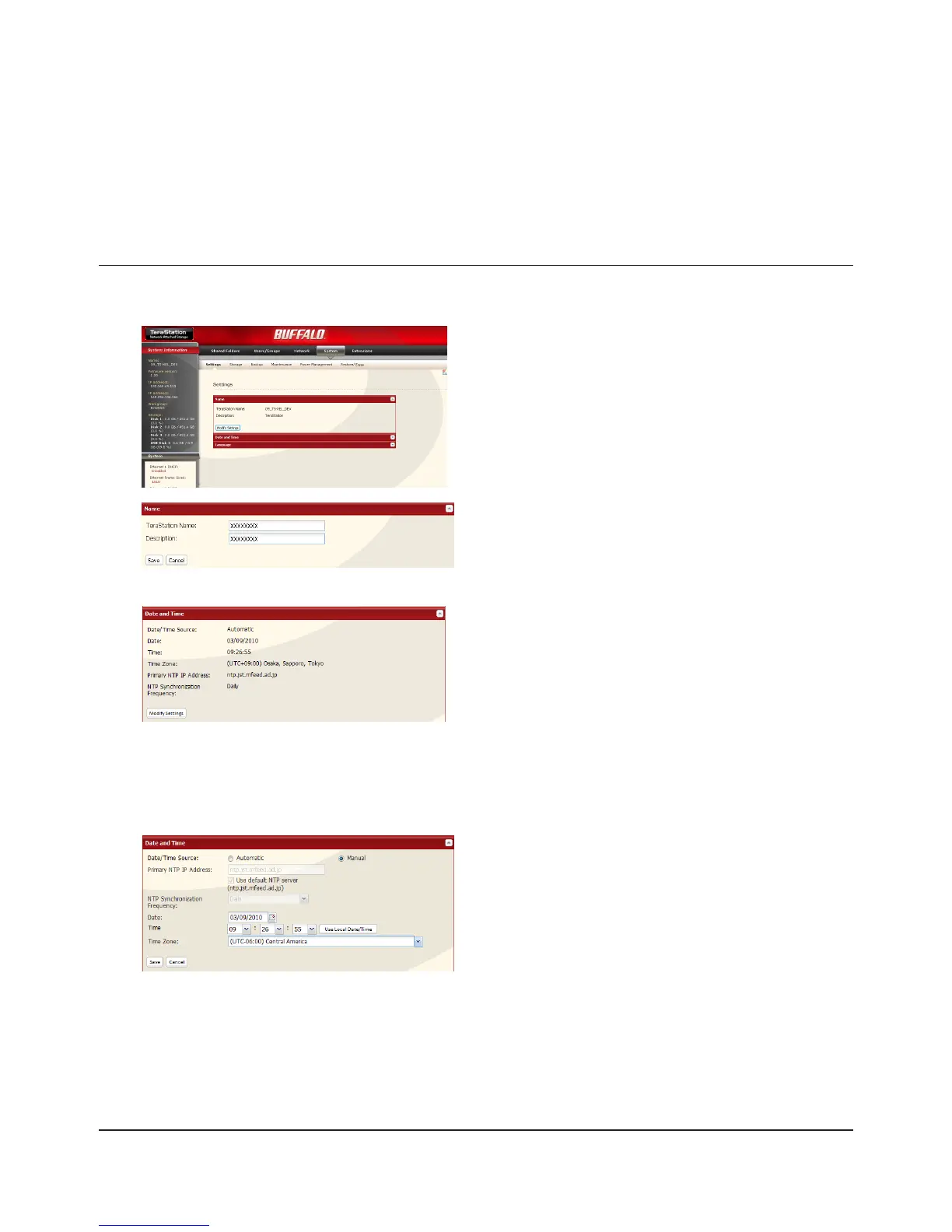
Congure the TeraStation’s host name, date, or time as follows:
1
2
3
4
In the Web Admin interface, navigate to [Modify Settings]
in [System] - [Settings] - [Name].
Select [Date] and [Time].1
Click [Save].2
In the Web Admin interface, navigate to [Modify Settings]
in [System] - [Settings] - [Date and Time].
Enter [TeraStation Name] and [Description].1
Click [Save].2

















 To Next Page