TeraStation User Manual 13
Chapter 2
Using your TeraStation
Opening a Shared Folder
2
1
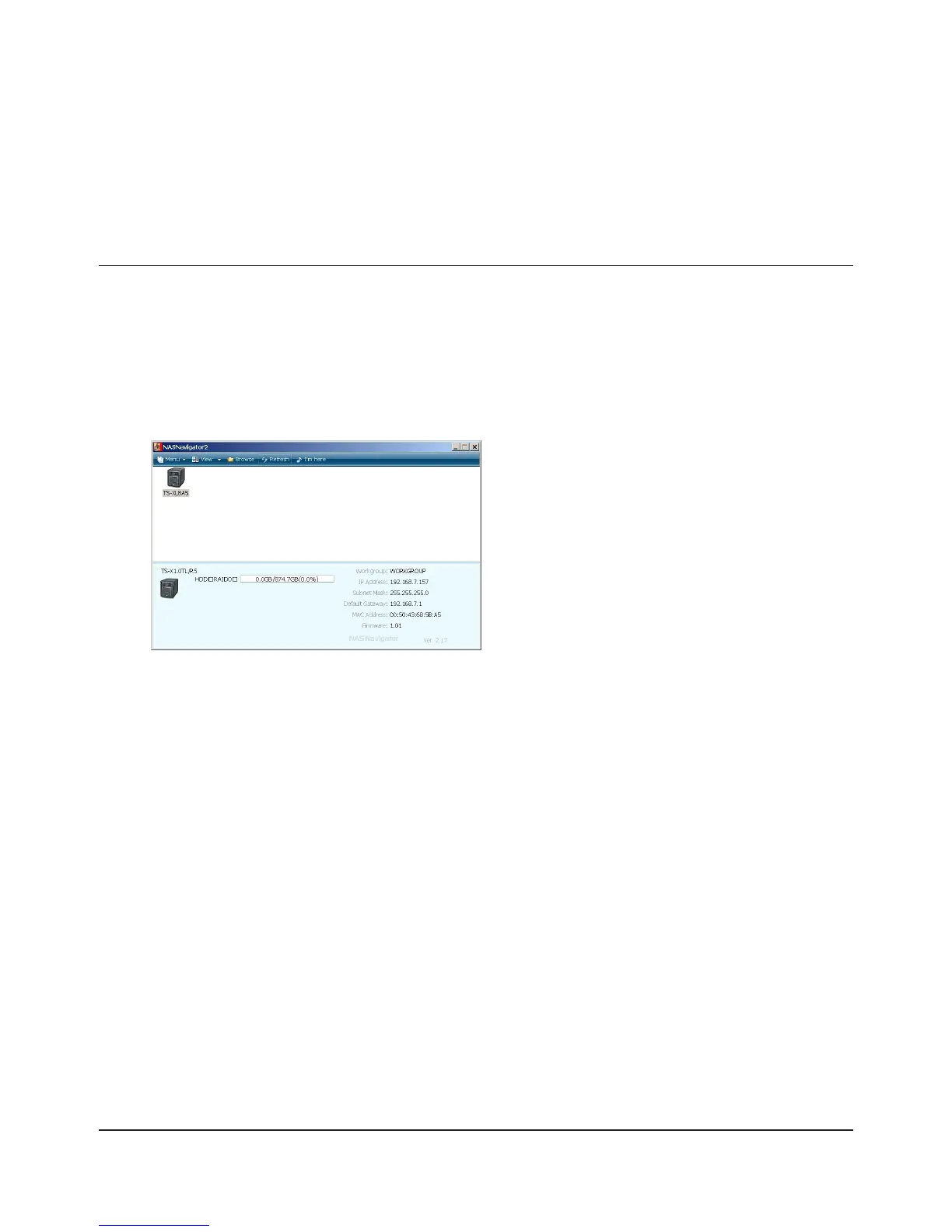
Launch NAS Navigator2.
Notes:
• For Windows, double-click the [Bualo NAS Navigator2] icon on your desktop.
• For a Mac, double-click on the [NAS Navigator2] icon in the Dock.
3
The TeraStation’s Shared folders are displayed.
Note:
With a Mac, the TeraStation is mounted as a drive icon on the desktop, and displayed in the
sidebar of the [Finder].
Double-click on the TeraStation icon.
Note:
This example shows a TS-XL series TeraStation.
Your icon may be dierent.
You can now use the TeraStation's shared folders to save les just like other hard drives.

















 To Next Page