1
2
3
You’ve now changed the admin password.
Notes:
• Usernames can contain up to 20 bytes(UTF-8). Do not use multi-byte characters. Alphanumeric characters,
-(hyphen), _(underscore), .(dot), !, #, &, @, $, *, ^, % may be used. Do not use a symbol as the rst character.
• Passwords can contain up to 20 bytes(UTF-8). Do not use multi-byte characters. Alphanumeric character and the
following characters may be use: - _ @ ! # $ % & ‘ ( ) * + , . / ; < > = ? [ ] ^ { } | ~ Do not use a symbol except -(hyphen)
as the rst character.
• You cannot assign access restrictions to the “admin” account, or use it for WebAccess.
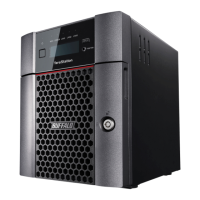
Click [admin] from the user list.1
Click [Edit User].2
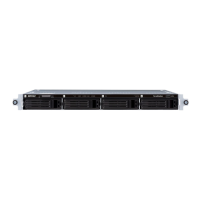
Enter [Username] and [Password].1
Click [Save].2
Changing the Admin Username and Password
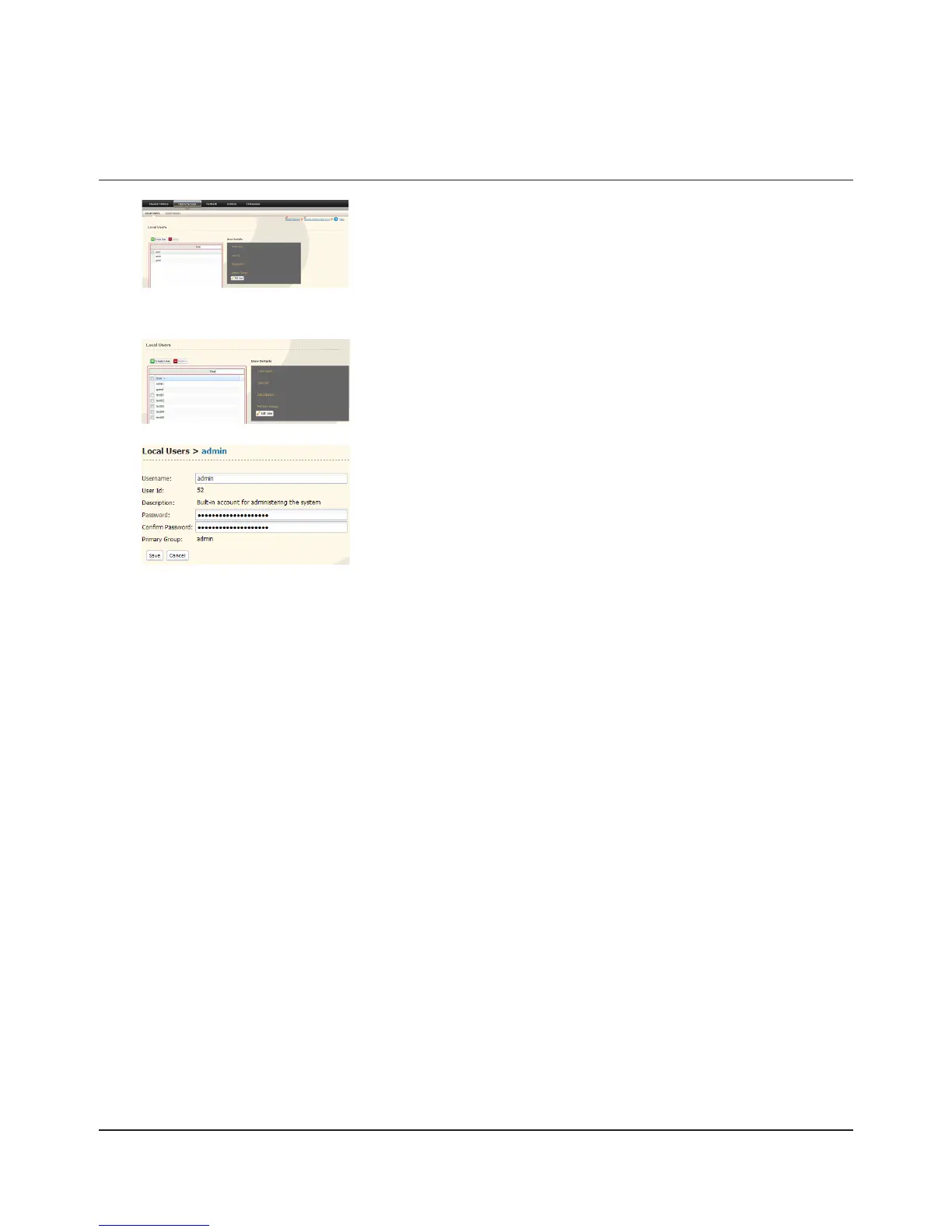
In the Web Admin interface, select [Users/Groups] - [Local Users].












 To Next Page