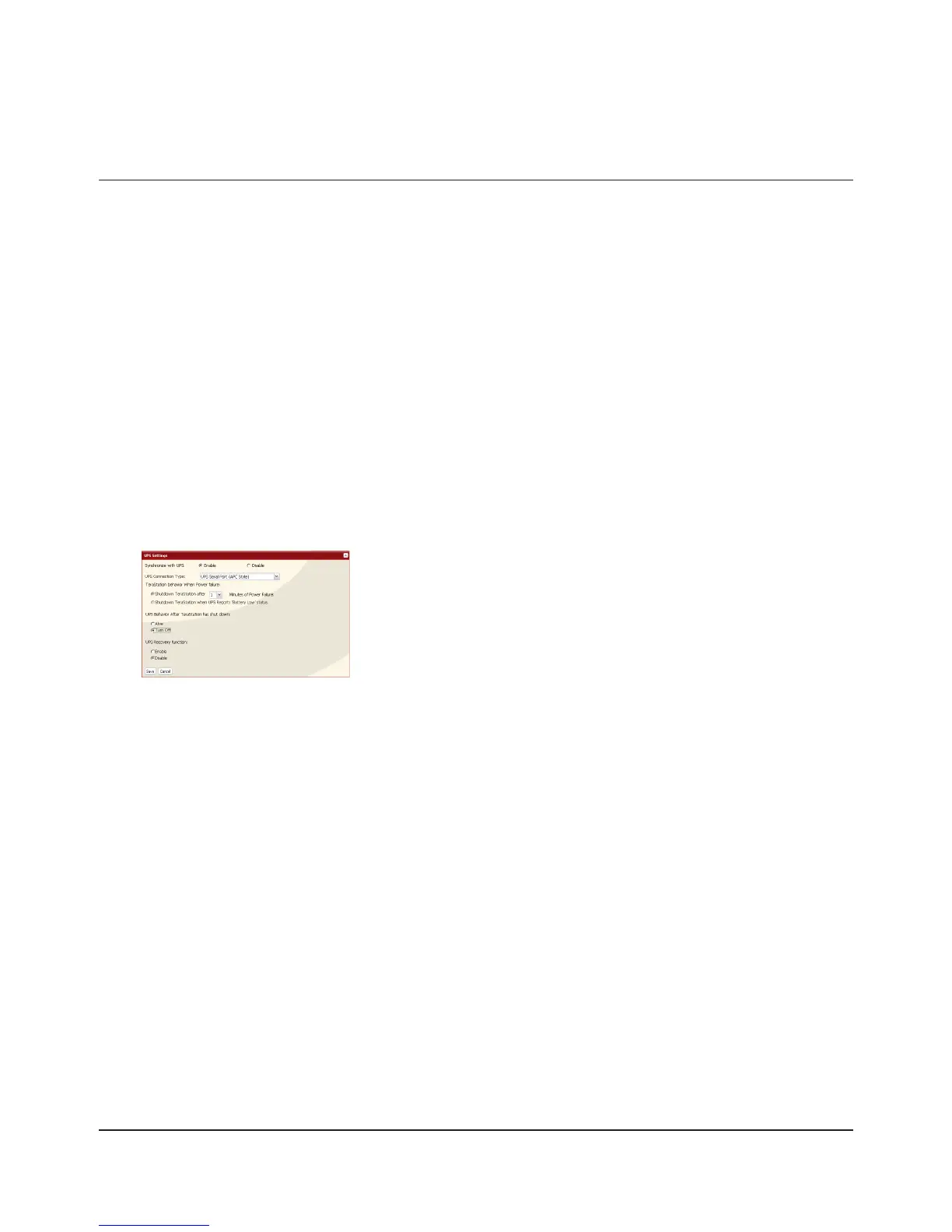
UPS Settings
An UPS (Uninterruptible Power Supply) can protect the TeraStation from power outages and brownouts. To use the
TeraStation with a UPS, proceed as follows:
Plug the power cable of the UPS to a wall socket.1
Connect the AC cable of the TeraStation to the UPS.2
Connect the UPS to the TeraStation with a USB or serial connection.3
Note:
• TS-XEL series TeraStations do not have UPS Port.
Turn on the UPS, then the TeraStation.4
In the Web Admin interface, click [System] - [Power Management] - [UPS Settings].5
Click [Modify Settings].6
7
Notes:
• If the UPS has shut down the TeraStation because of a power outage, make sure that power has been restored before
restarting the TeraStation. If the TeraStation is restarted after a shutdown, but power is not available, then the UPS
will not shut down the TeraStation a second time even if its battery is running low.
• If the TeraStation is set to use UPS recovery, then the UPS will restart the TeraStation when normal power is restored.
Check [Enable].1
Congure the desired settings.2
Click [Save].3

















 To Next Page