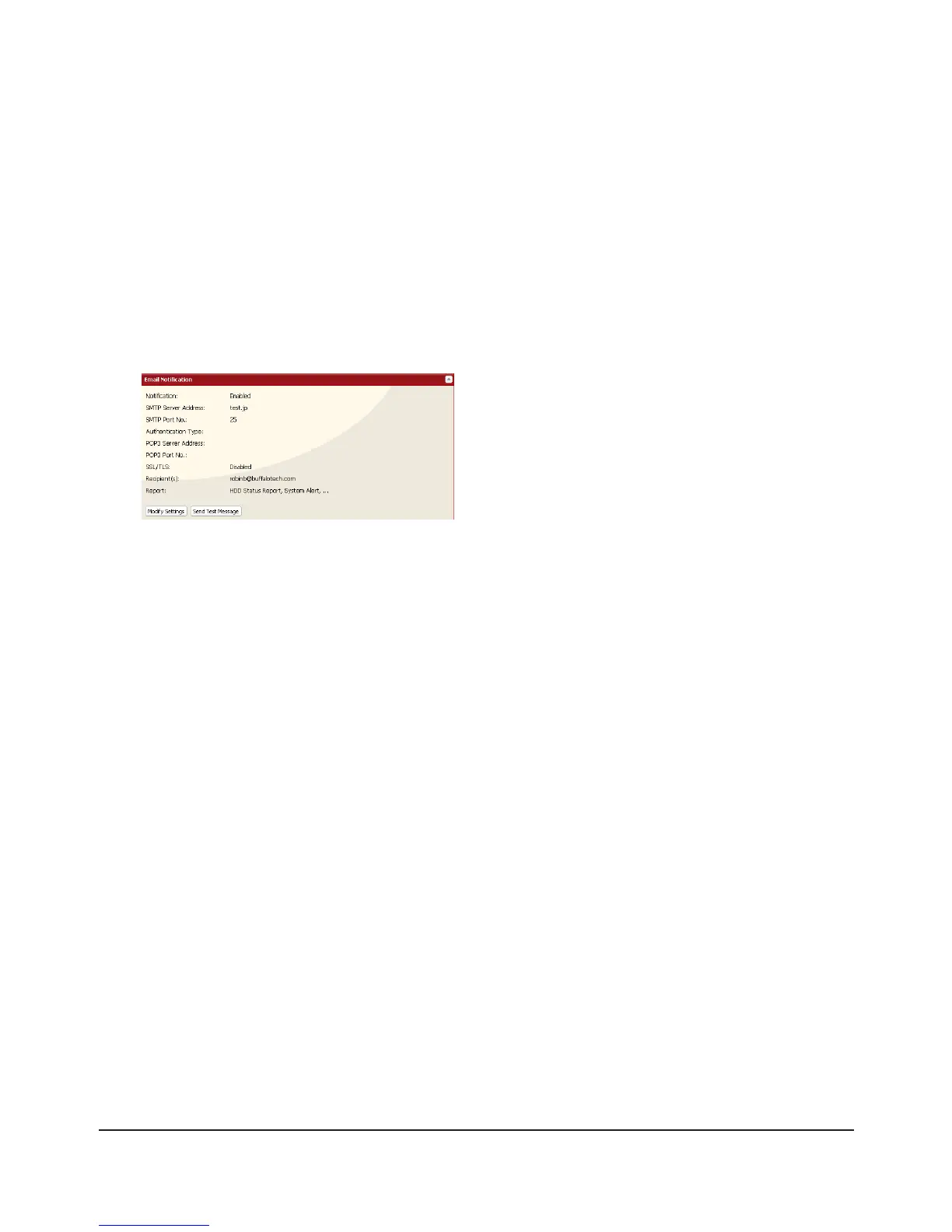
Select conditions for e-mails to be sent.9
[HDD Status Report] Sends the condition of the hard drives at the specied time.•
[Fan Failure] Sends when the fan error is recognized.•
[Disk Error] Sends when an hard drive error is recognized•
[Backup Complete] Sends when the backup is complete.•
[Quota Report] Sends when the Quota Space Limitation is exceeded at the time which is specied •
on HDD Status Report.
[System Alert] Sends when system is rebooted or shut down, or RAID conguration is changed.•
If you have selected [HDD Status Report] for sending condition, select time to send.10
Click [Save].11
Click [Send Test Message] to send a test message.
4
Notes:
The following examples show notication emails for each selection:
• The content of the mail which include the periodical report when [HDD Status Report] is selected
TeraStation Status Report: Periodical Report: Information
[TeraStation Information]
TeraStation Name: TS-xxxxx
Time Stamp: 2009/03/23 00:00:01
IP Address: 172.16.37.62
Conguration Scree: http://172.16.37.62/
Continuous operating time: 13:51:57
• The content of mail which is sent periodically when [Disk Error] is selected
TeraStation Status Report: DISK Error Notication: Failure: Fail to mount a disk
DISK Error Notication
The error occurred on HDD.
The erroneous disk drive: Disk 1
Disk could not be mounted.
• The content of mail which is sent periodically when [Fan Failure] is selected
TeraStation Status Report: FAN Error Notication: Failure: FAN stopped.
FAN Error Notication
The FAN has stopped.
The internal temperature is now over the threshold. Shut down the system.
System temperature: 52 [°C]

















 To Next Page