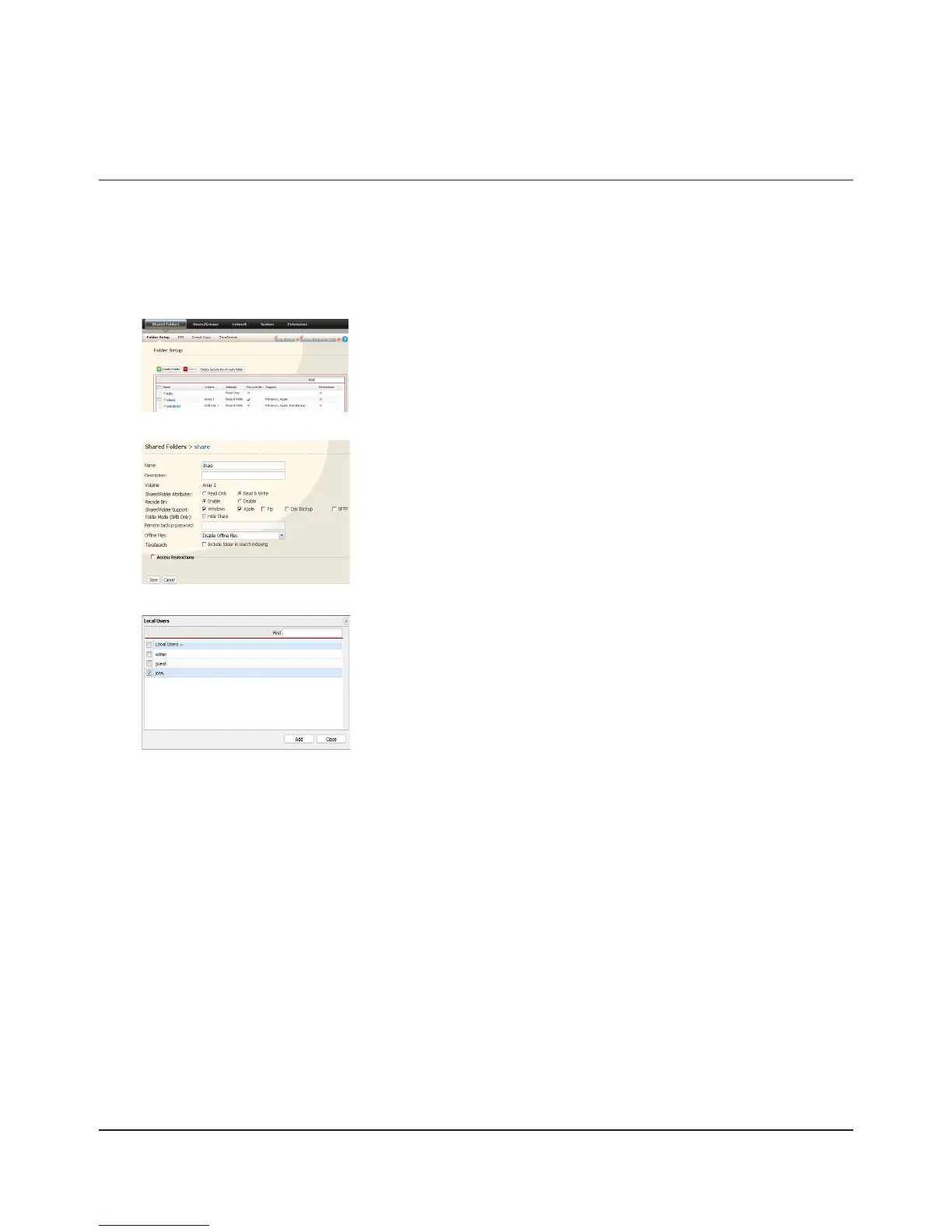
Click [Access Restrictions].
Click [Add].
Setting Access Restrictions for Users/Groups
The TeraStation allows you to specify which groups and users can access specic shared folders.
Register Users and Groups to the TeraStation as described in the previous sections.1
2
3
4
Note:
The procedure described here shows an example of how to set the access restrictions for local users. To set the
access restrictions on Local Groups bases, click [Local Groups] - [Add].
In the Web Admin interface, click [Shared Folders] - [Folder Setup].1
Click the shared folder you want to set Access Restrictions for.2
Access Restrictions

















 To Next Page