TeraStation User Manual 109
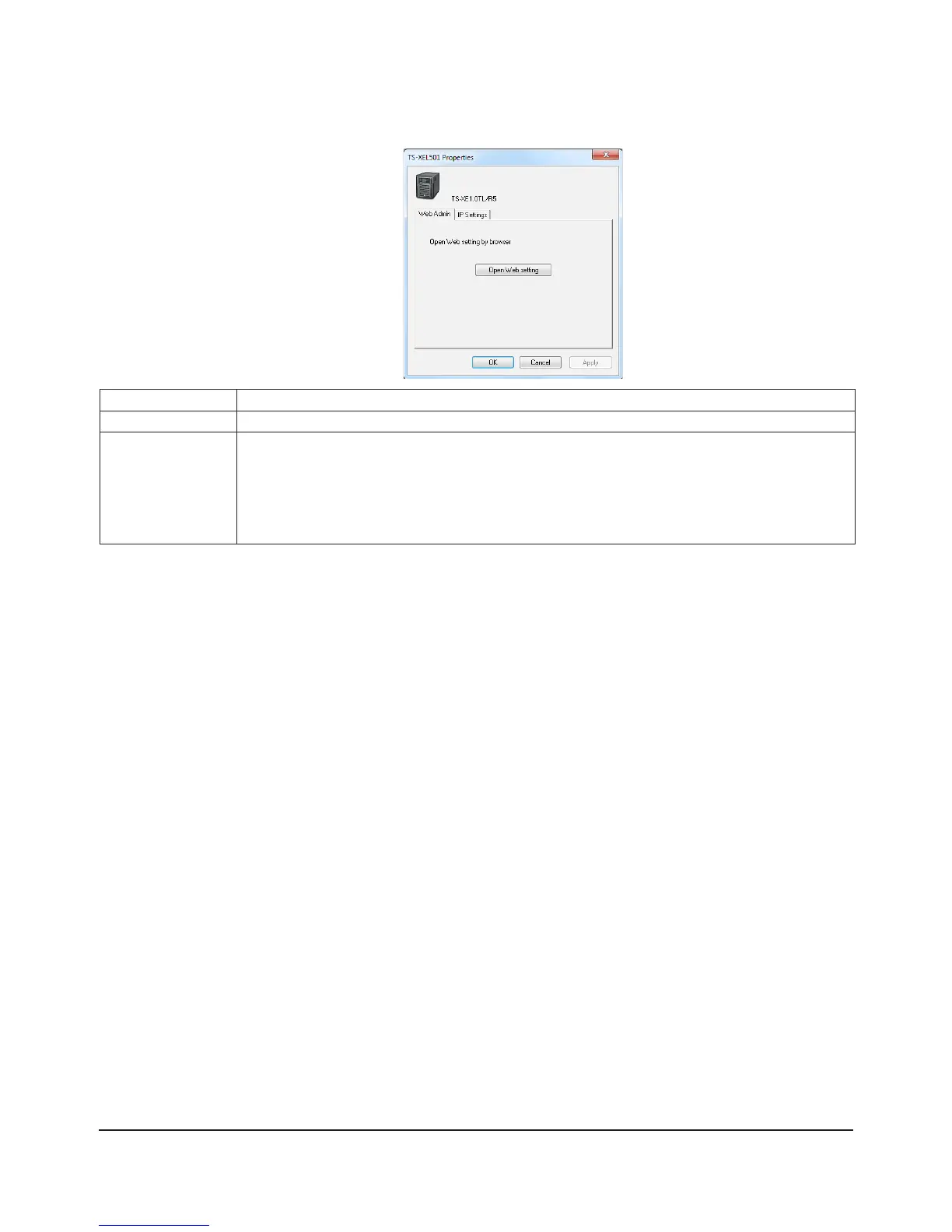
The following tasks may be
performed from the TeraStation’s
Properties window.
Menu Item Description
Web Admin Click [Open Web setting] to display the Web Admin interface.
IP Settings Insert the check mark in [Obtain IP address automatically via DHCP] to assign IP address from
DHCP server automatically. If there is no DHCP server in the network, you cannot use this
function.
If you insert the check mark into [Renew IP address], it will obtain an IP address from DHCP
server again.
You can manually enter [IP Address], [Subnet Mask] and [Default Gateway].
Screen:

















 To Next Page