TeraStation User Manual 33
Backing up to another TeraStation on the local network
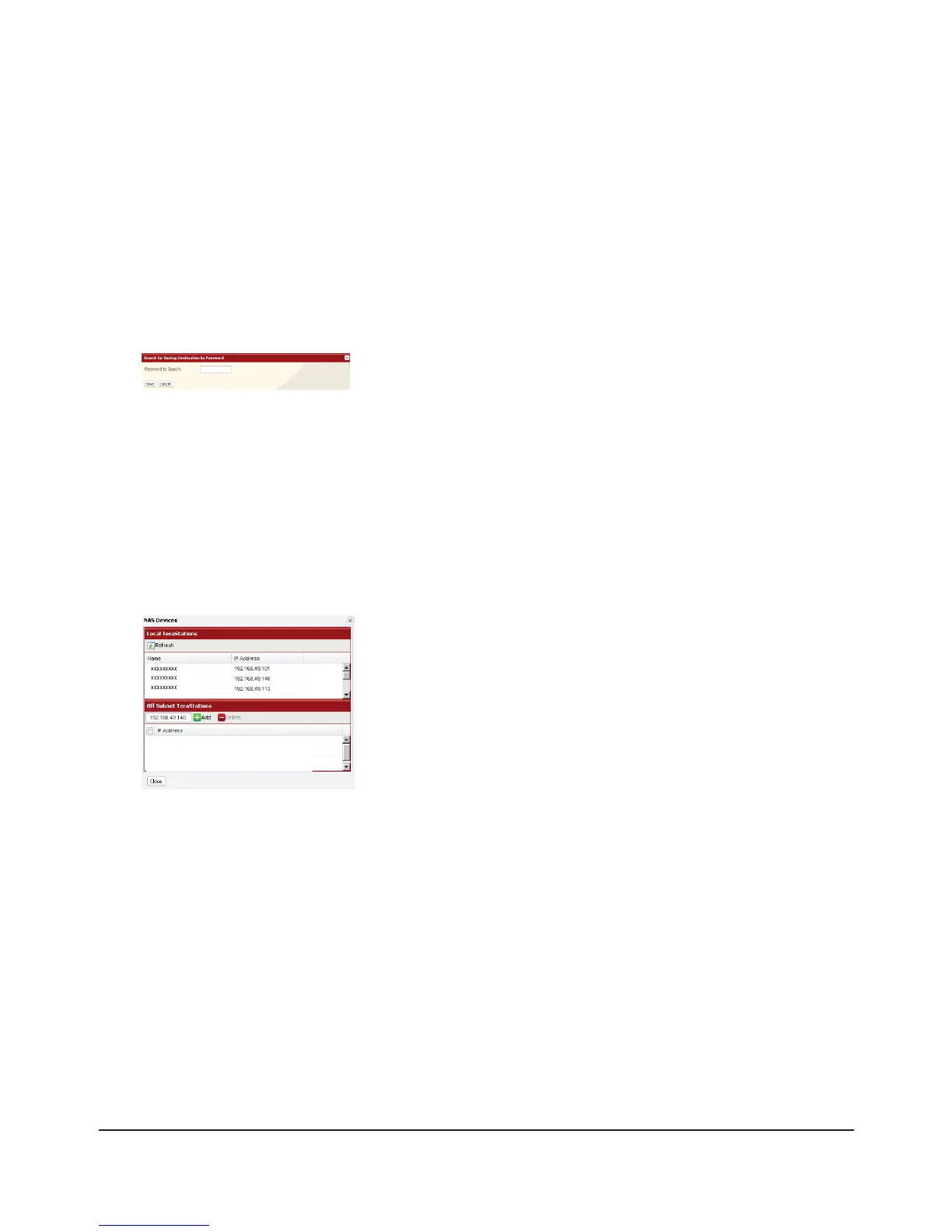
If the target TeraStation is congured with a password for backup, you can nd it on the network by searching for the
password.
In the target TeraStation’s Web Admin interface, navigate to1 [System] – [Backup].
Under [Search for Backup Destination by Password], click [Modify Settings].2
3
Backing up to a TeraStation on another network which is connected by a VPN
You can back up to a TeraStation on another network as long as the two networks are connected by a VPN. Follow the
procedure below to enter IP address of the target TeraStation.
In the source TeraStation’s Web Admin interface, c1 lick [System] – [Backup] - [View NAS Devices].
2
If you meet the following conditions, then you don’t have to congure the settings described above:
Not setting a password for backup on the target TeraStation.•
Source TeraStation and target TeraStation are on the same network.•
Instead, just turn to the next page and congure a backup job
Enter a password and click [Save].
Now, you can easily nd this target TeraStation when conguring backup
jobs on a source TeraStation.
Under [O Subnet TeraStation], enter the IP address of the target
TeraStation in the [New IP Address] eld, and click [Add].

















 To Next Page